Legal Workflow Automation with AI: How Law Firms Actually Do It
September 18, 2026 · 22 min read
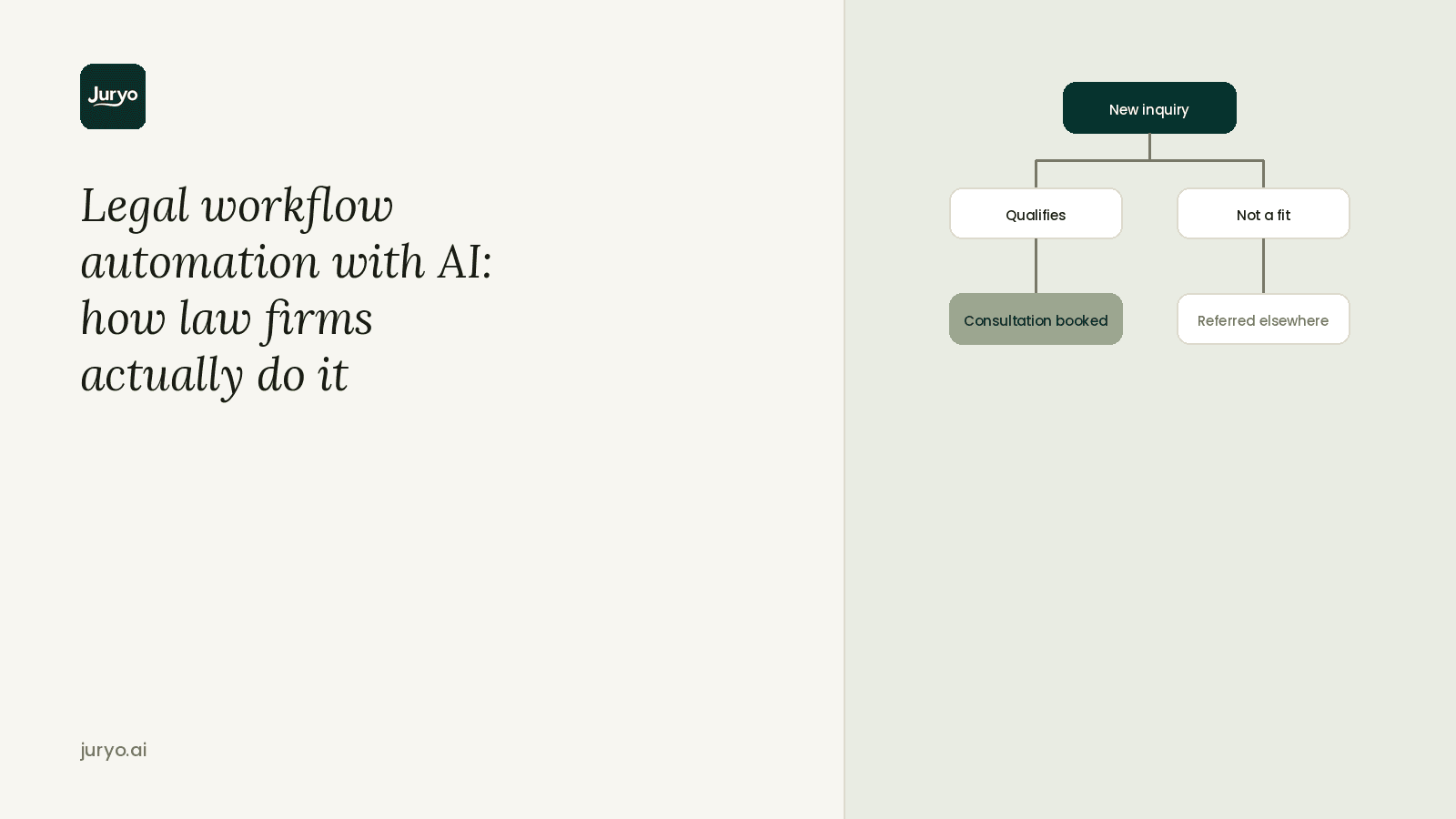
Law firm leaders usually stare at a mountain of paperwork and immediately decide to automate their document drafting. It makes sense because the paper is right there in front of you. But ignoring how new leads come into the practice is exactly where you lose revenue.
To put it simply, legal workflow automation is the practice of taking administrative tasks that rely on someone remembering to do them and handing them over to a system that runs perfectly every single time.
If you want to see a fast return on that investment, you need to target the steps involving prospective clients. A slow response at the very beginning of the relationship directly costs you a signed retainer, so you absolutely need to lock down your front door before you start reorganizing the back office.
Every single firm operates on a set of core sequences that either keep money moving or watch it drain away. And in this guide, we cover exactly which workflows to automate, in what order you should tackle them, and what you must leave to a human.
After that, we break down a concrete, step-by-step implementation plan for your very first one.
What Is Legal Workflow Automation?

Legal workflow automation is the practice of replacing manual, memory-dependent administrative tasks with digital systems that execute operations in the exact same sequence every time.
People often confuse this concept with two other popular categories of law firm process automation.
First, it’s not document automation, which just generates boilerplate paperwork from templates. Second, it’s completely different from legal research AI tools like Harvey or Westlaw.
Those platforms help you find case law or draft legal memos. Workflow automation, on the other hand, focuses entirely on the sequence of operational steps moving a matter forward, not the substantive legal research or the documents themselves.
A functioning practice can apply legal automation across three distinct layers of operation:
- Client-facing: This covers the front-door activities that impact revenue directly, including intake, scheduling consultations, lead follow-up, and payment reminders.
- Matter-facing: This layer handles the internal progression of a case. It includes running conflict checks, tracking strict deadlines, and triggering document generation.
- Back-office: This handles the administrative heavy lifting behind the scenes, specifically billing and financial reporting.
Which Legal Workflows Should a Firm Automate First?
When deciding which legal processes to automate first, looking at payback speed helps prioritize your time.
Now, not all law firm process automation efforts deliver equal returns right away. Every other operation in your practice runs on a client you’ve already signed. And intake is the single operational step that determines if you have a client in the first place.
That simple reality makes client-facing tasks the obvious starting line for workflow automation for law firms.
The table below ranks the primary operational sequences by financial leakage, technical effort, and payback speed.
| Workflow | Why it Leaks Money | Effort to Automate | Payback |
|---|---|---|---|
| New client intake and qualification | A missed call or delayed response is an unrecoverable lost matter. | Low | Fastest |
| Appointment booking and reminders | No-shows waste expensive billable hours already committed on the calendar. | Low | Fast |
| Lead follow-up and nurture | Most practices follow up once, if at all, letting warm leads go cold. | Low to Medium | Fast |
| Conflict checks at intake | Running checks late in the process wastes billable work already performed. | Medium | Moderate |
| Deadline and limitation-period tracking | Occurs at low frequency, but errors carry high financial and legal severity. | Medium | Moderate |
| Payment reminders and instalment follow-up | Leaves earned revenue sitting in unpaid client balances. | Medium | Moderate |
| Document generation from intake data | Saves significant drafting time, but requires structured intake data first. | Medium to High | Moderate |
| Billing and reporting | Manual tracking creates friction, though standard practice management tools usually handle it. | High | Slow |
Starting your legal automation strategy at the top of this ranking protects incoming revenue immediately. And once your front door converts leads reliably, you can then systematically roll out legal process automation across the rest of your operational pipeline.
How to Automate Law Firm Intake: A Step-by-Step

Getting a legal workflow automation software setup right requires a clear sequence. You need to map exactly how a lead moves through your system before adding any technology.
Here’s a concrete plan to automate your front door.
Step 1: Map the Current Path of a Lead
Trace every action from the first ring to a signed retainer. And mark every single point where moving forward depends on a person being available to do the work. Those human bottlenecks are exactly where you’ll apply legal automation.
Step 2: Write Down Your Qualification Criteria
Document the specific questions that separate a viable case from a non-starter for each practice area. You also need to list your hard disqualifiers. These usually include the wrong jurisdiction, an expired limitation period, or a direct conflict of interest.
Step 3: Deploy an AI Intake Agent on the Right Channels
Put an AI intake agent (like Juryo’s Jorge) right where your leads actually spend their time. That means setting up your system on the phone and WhatsApp. Don’t rely exclusively on a static web form buried on your contact page.
Step 4: Enable Bilingual Support Natively
If your firm serves Spanish-speaking clients, turn on both languages within the exact same agent. You must verify that the actual qualifying questions are translated accurately, rather than just localizing the initial greeting.
Step 5: Establish Genuine Round-the-Clock Coverage
Turn on full 24/7 availability. This means covering nights, weekends, and holidays completely. Extended business hours simply leave money on the table when prospective clients call late on a Friday.
Step 6: Connect the Output to Your Existing Stack
Link the agent directly to your calendar and case management tools. A booked consultation must appear on a partner's schedule without anyone in the office re-typing the client's contact information.
Step 7: Review and Tighten the Criteria
Look at your system data every single month. Then check which types of inquiries actually convert into signed matters, and adjust your screening questions based on that real-world performance.
What Law Firms Should Not Automate
Knowing where to draw the line protects your firm from operational failure. Effective law firm process automation relies on strict boundaries to preserve compliance and quality.
It’s also important to keep in mind that certain responsibilities demand human judgment, legal expertise, or genuine empathy.
Here are five areas you must keep strictly in human hands:
- Case-merit judgment on complex matters: An automated intake agent collects facts, checks basic screening criteria, and routes inquiries to the right department. It must never make the final call on a borderline or nuanced case. Evaluating legal risk belongs entirely to an attorney.
- Legal advice to prospective clients: No automated system should ever interpret statutes, offer legal strategy, or evaluate legal options during an inquiry. The system gathers details to check for fit, and providing legal counsel remains strictly off-limits.
- The attorney-client relationship after signing: Automating early touchpoints works because prospective clients prioritize fast responses. Once a client signs a retainer, human connection takes over. Automated legal assistant tools step aside so attorneys and paralegals can build trust directly.
- Callers in active crisis: Inquiries involving immediate distress require immediate human intervention. Every legal automation plan needs a direct, reliable escalation path that routes crisis situations straight to a live staff member.
- Final review of court and client documents: Legal intake software can pull intake data to generate initial drafts, but technology should never handle filing or delivery. A licensed attorney must perform the final review on every single document before it goes to a court or client.
Answering Service vs. Full Intake: Why the Difference Decides Whether You Signed the Case

Many law firms attempt to streamline their front desk by hiring a legal answering service. However, handing off call pickup to an off-site receptionist leaves a massive operational gap right at your front door.
What a Traditional Answering Service Actually Does
A standard answering service takes a caller's name, notes down basic contact details, and routes a message slip to your staff. It doesn’t qualify callers against your firm's specific practice areas, jurisdictional boundaries, or legal criteria.
This setup fails to execute true law firm process automation because it simply inserts an extra person into the middle of your workflow. Someone on your team still has to call the prospect back, ask the screening questions from scratch, and evaluate case viability.
The manual step still exists, so the delay and drop-off risk are pushed downstream rather than removed. In addition, traditional answering services rarely cover WhatsApp inquiries or Spanish-language callers with the same consistency and accuracy as an English phone line.
What Full Intake Does Instead
True workflow automation for law firms removes the manual callback step entirely by evaluating prospects instantly.
Jorge, Juryo's AI intake agent, qualifies callers against your practice's exact criteria during the initial conversation in real time across phone calls and WhatsApp text messages.
Moreover, Jorge operates natively in English and Spanish, 24/7. That means the qualification dialogue happens once, accurately, the moment a lead arrives, rather than sitting as a message slip waiting for someone to act on it the next business day.
In short, an answering service doesn’t automate your intake workflow but just delays it. Meanwhile, Jorge delivers a booked, qualified consultation directly onto an attorney's calendar, turning incoming leads into signed retainers before competitors even check their inbox.
Meet Jorge: What an Automated Intake Workflow Looks Like in Practice
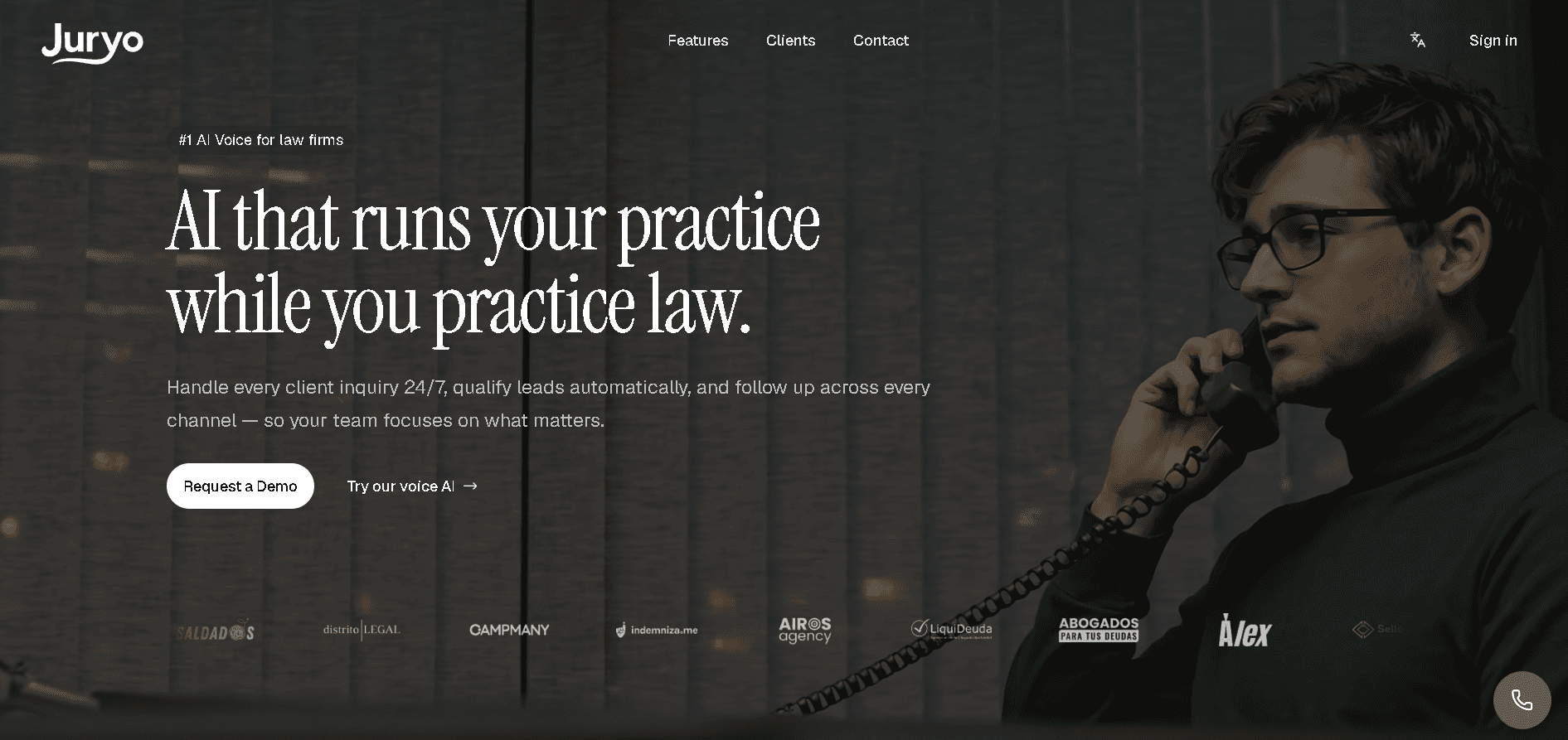
Abstract plans only take you so far. Let’s look at what happens when you apply legal workflow automation software directly to your front door.
Meet Jorge.
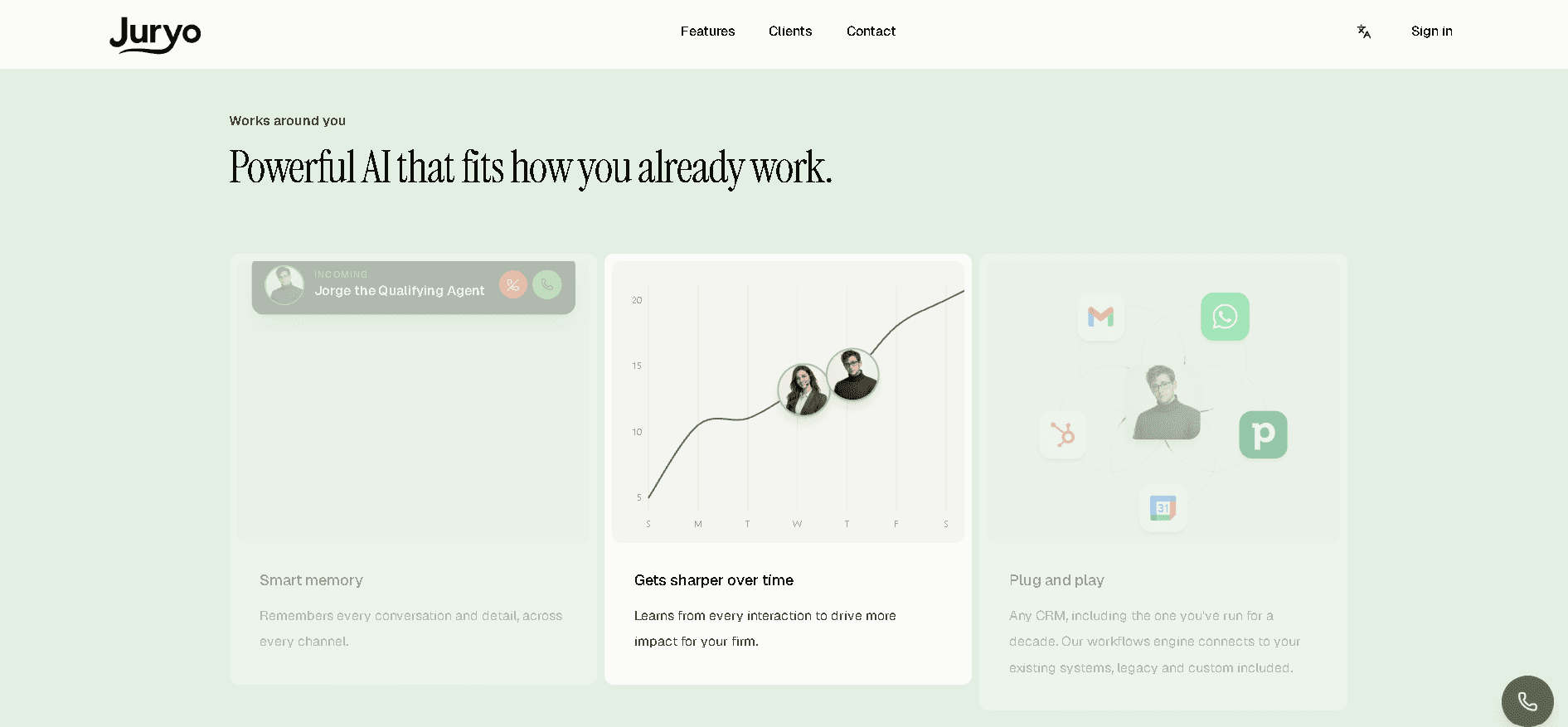
Jorge is Juryo's AI intake agent, operating on the phone and WhatsApp natively, communicating in English and Spanish 24/7. What’s more, Jorge acts as one single agent rather than forcing you to stitch together separate tools for each channel or language.
Juryo built Jorge specifically for consumer law firm intake. He handles personal injury, immigration, family, criminal defense, and employment practices. His qualifying questions reflect real case-intake logic rather than a generic call-center script.
To make law firm process automation concrete, here’s how those seven setup steps look when Jorge takes over.
Step 1: Covering the Lead Path
Jorge intercepts the prospect on the very first ring. Because of this, your intake sequence no longer depends on human availability.
Step 2: Applying the Criteria
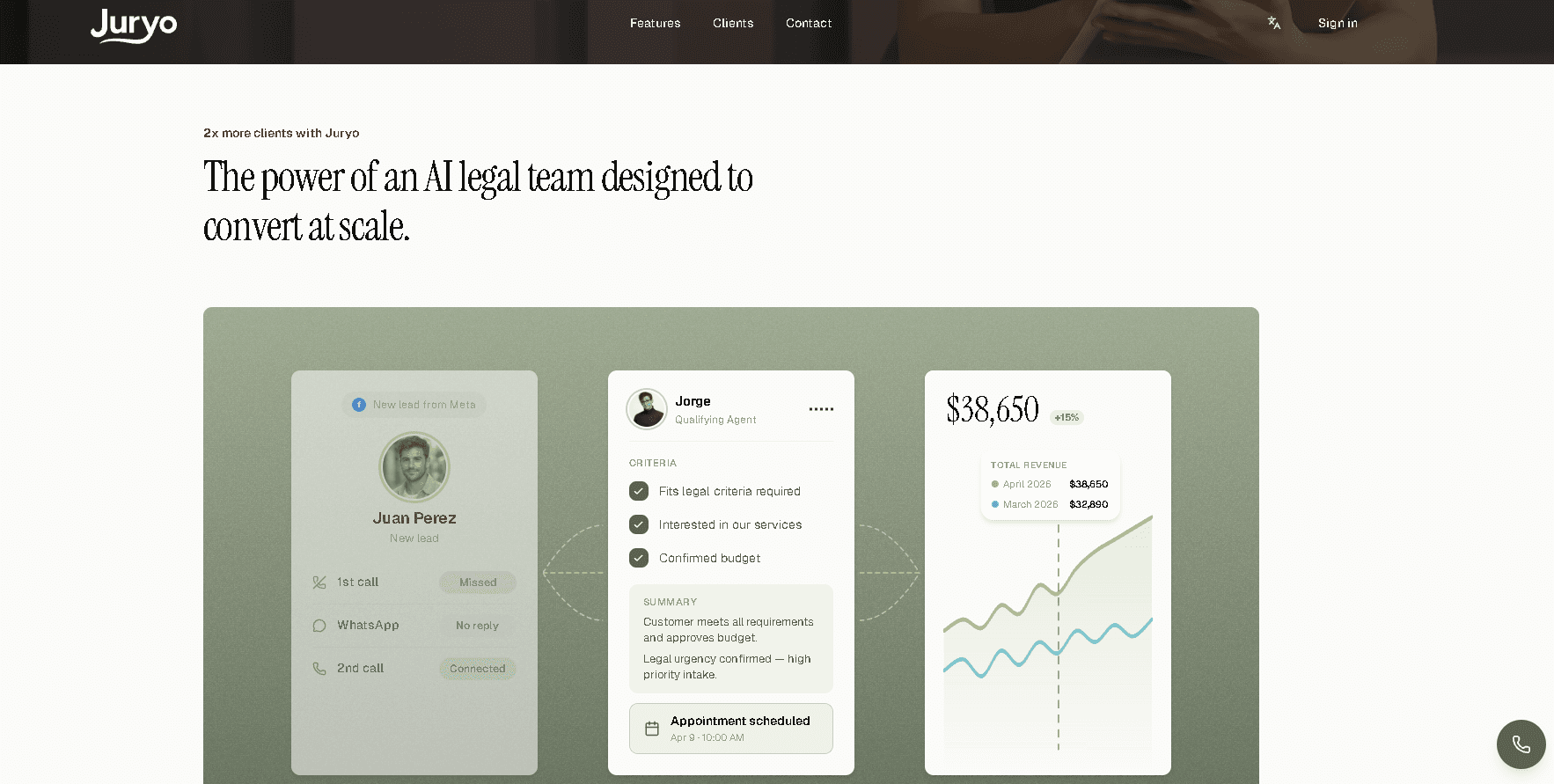
Jorge holds a real qualifying conversation using your exact practice area rules. He asks the hard disqualifiers upfront to filter out bad jurisdiction fits or expired limitation periods.
Step 3: Sitting on the Right Channels
You place Jorge directly on your published phone numbers and WhatsApp accounts. Prospects then get an immediate response exactly where they prefer to reach out.
Step 4: Handling Bilingual Intake Natively
A caller starts speaking Spanish, and Jorge adapts instantly. He conducts the entire legal screening accurately in the client's preferred language.
Step 5: Delivering Genuine 24/7 Coverage
Legal automation keeps your front desk open permanently. And Jorge runs the exact same high-quality qualification at 2:00 AM on a Sunday as he does at noon on a Tuesday.
Step 6: Syncing the Output
After qualifying the caller, Jorge books the consultation directly onto your calendar. The appointment appears in your case management system fully documented and ready for an attorney.
Step 7: Tightening the Process
You review Jorge's conversation logs and conversion data every month. If a specific type of personal injury lead fails to sign, you adjust Jorge's screening questions to catch that detail earlier next time.
Proof: Firms Already Running an Automated Intake Workflow
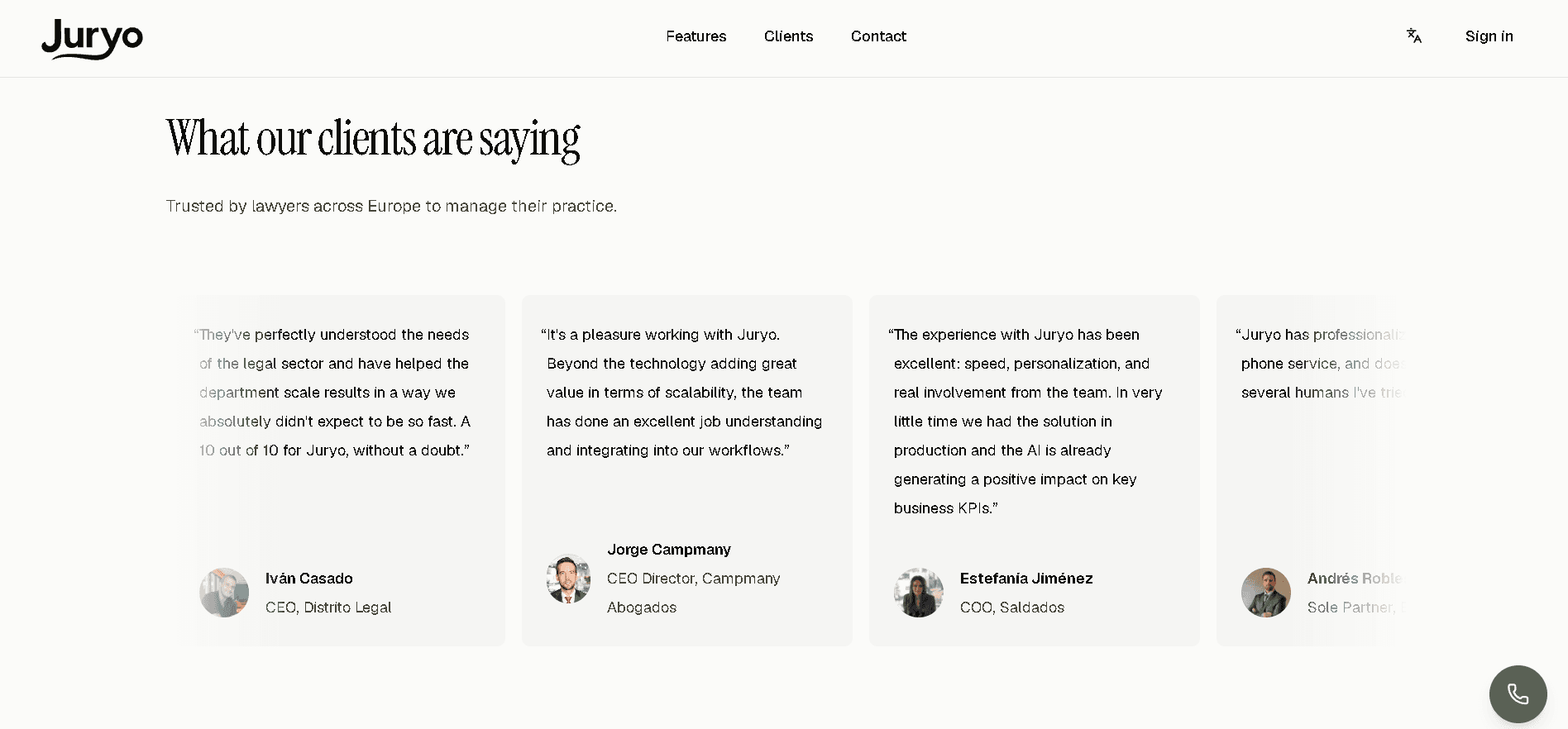
Who is Using It
First off, Jorge isn’t a hypothetical experiment. Right now, high-volume consumer practices including Legalitas, Sello Legal, Indemnizame, and DVuelta rely on Jorge to run their front doors.
It’s worth noting that these specific firms handle massive daily inquiry volumes. They’re proof that this technology holds up perfectly under real-world stress tests.
The Results, Verbatim
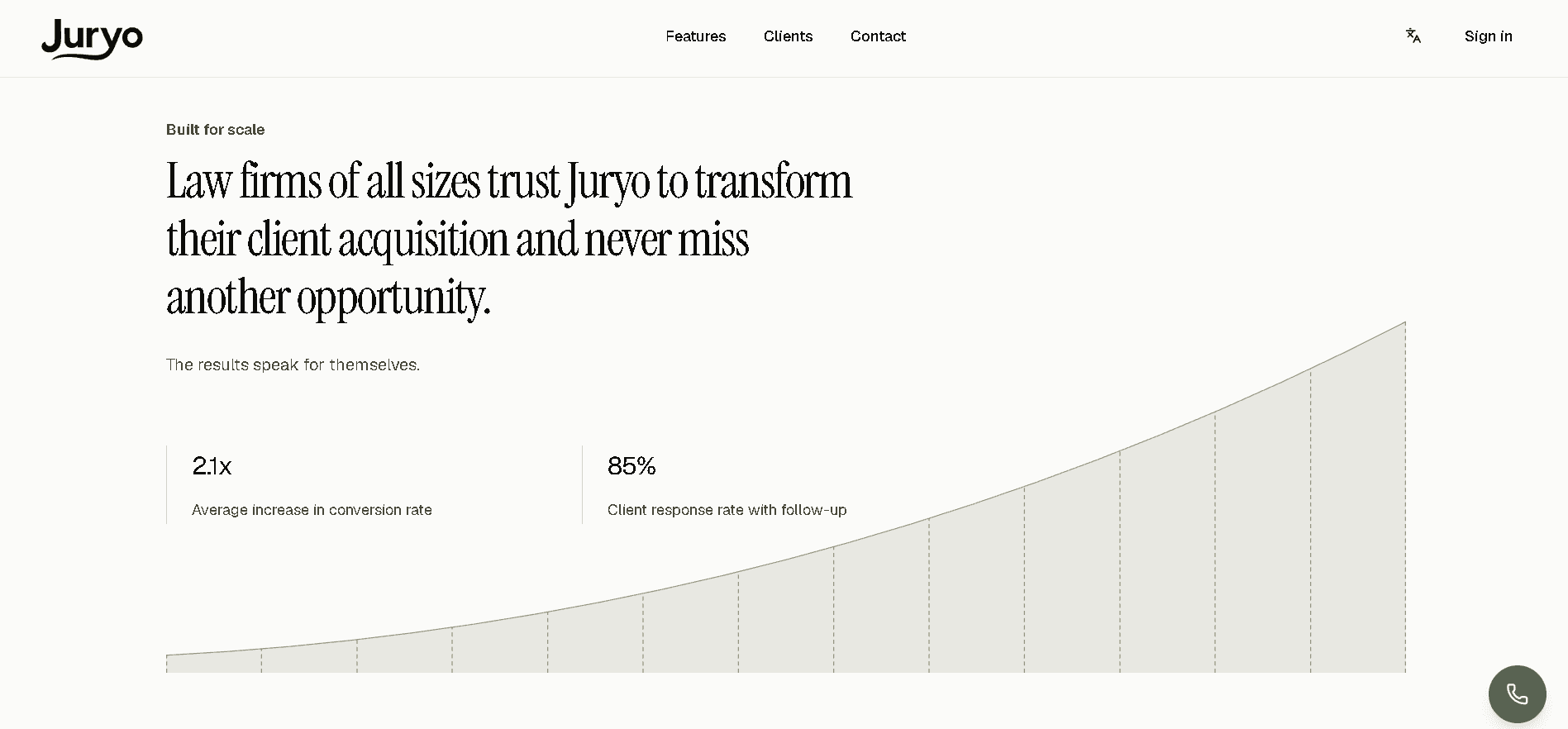
Replacing a manual callback step with instant qualification changes the financial math of a practice.
When you measure the performance of this specific law firm process automation setup, the impact on your pipeline becomes obvious.
Across those active deployments, Jorge delivers:
- ~50% lift in lead conversion
- 2.1x more signed matters
- 85% client response rate
Juryo Pricing
Juryo structures pricing tailored to your firm's specific scope and volume upon request.
Instead of charging for extra software logins or counting call seconds, Juryo aligns costs directly with measurable outcomes like higher response rates and additional signed matters. Custom scoping ensures your software investment directly mirrors the real financial returns generated at your front desk.
Ready to see how automated intake transforms your conversion rates? Book a demo to get a tailored breakdown for your practice.
Pros and Cons of Automating Legal Workflows
Now, let’s take an honest look at both sides of legal workflow automation to help you set realistic expectations before changing how your firm operates.
Software provides clear operational gains, but it also comes with structural constraints that every practice lead should understand upfront.
Pros
- Consistent execution: Every step in your legal process automation runs the exact same way every single time, regardless of who happens to be sitting at the front desk.
- Zero reliance on memory: Critical operational tasks no longer depend on somebody remembering to write down a caller's details or log a phone message before leaving for the day.
- After-hours coverage without extra payroll: Your practice captures and screens prospective clients overnight, on weekends, and during holidays without expanding your administrative headcount.
- Clear operational visibility: Structured legal automation gives firm leadership concrete data showing where prospective matters drop off and where revenue actually leaks.
Cons / Honest Limitations
- Pipelining a broken process speeds up errors: Applying workflow automation for law firms to a poorly defined intake sequence simply produces bad outcomes faster.
- Exceptions still require human handling: Every single automated system needs a clear escalation path for complex inquiries, callers in active crisis, or unusual legal scenarios.
- Diminishing returns for very low volume: Practices that handle only a handful of inquiries per month might see a smaller relative return simply because there are fewer lost leads to recover.
- Requires upfront effort from partners: Setting up legal workflow automation software forces partners to document the implicit qualification rules currently sitting in their heads, which remains the single step most law firms skip.
FAQ

What is Legal Workflow Automation?
Legal workflow automation is the practice of replacing manual, memory-dependent administrative tasks in a law firm with technology that executes them identically every time. It coordinates the sequence of steps across client communications, internal case movement, and back-office operations to prevent operational delays. Implementing these systems allows practices to standardize procedures and reduce administrative overhead cleanly.
Which Legal Workflows Should a Law Firm Automate First?
A practice should prioritize client-facing processes, starting with new lead intake and qualification. Client-facing touchpoints directly dictate if prospective matters turn into signed retainers before competitors respond. Once front-door intake operates reliably, firms can expand legal automation into appointment scheduling, follow-ups, and internal conflict checks.
What is the Difference Between Legal Workflow Automation and Document Automation?
Document automation focuses specifically on generating legal paperwork, pleadings, and contracts using pre-formatted templates. Legal workflow automation governs the overarching sequence of operational steps that move a matter forward through your practice. While document tools handle paperwork creation, workflow platforms manage task handoffs, lead qualification, and calendar scheduling.
Can AI Automate Law Firm Intake?
Yes, specialized AI intake agents can manage the entire initial qualification process across phone calls, WhatsApp, and web channels 24/7. Systems built specifically for consumer law screen prospective callers against practice criteria, capture matter facts, and schedule consultations automatically. This capability allows practices to secure qualified retainers instantly without waiting for manual callbacks.
What Should a Law Firm Never Automate?
Law firms should never automate legal advice, strategic case evaluations, or final merit judgments on borderline matters. High-stakes moments like handling callers in active crisis or building long-term attorney-client relationships require human legal expertise and empathy. Furthermore, a licensed attorney must always perform the final review on any legal document submitted to courts or clients.
Do I Need New Software, or Can I Automate with What I Already Have?
Many law firms can build basic automation sequences using native integrations inside their existing practice management systems and calendars. However, complex client-facing operations like 24/7 bilingual voice and text intake usually require dedicated legal workflow automation software. Connecting a specialized intake agent to your existing stack provides complete operational coverage without replacing your core software.
Does Legal Workflow Automation Work for a Small Firm?
Workflow automation for law firms provides significant advantages to small practices by eliminating administrative bottlenecks without requiring extra staff hires. Automated workflows allow small teams to handle after-hours inquiries instantly and maintain consistent client follow-up. That added operational capacity helps six-attorney practices capture market share usually dominated by larger firms.
How Much Does Juryo Cost?
Juryo pricing is tailored on request based on your firm's specific call and message volume. Rather than charging rigid fee tiers for user seats or call minutes, costs align directly with concrete outcomes like increased response rates and signed retainers. You can book a demo to receive a customized quote for your practice.
Conclusion
Fixing operational bottlenecks in your practice comes down to prioritizing client-facing steps first.
Front-door interactions determine if your firm secures a prospective matter in the first place, long before document generation or back-office billing even enter the picture. That clear operational reality makes front-desk intake the single most effective place to focus your legal workflow automation strategy.
Your concrete first step is mapping your current lead path and replacing manual callbacks with instant, real-time screening on phone calls and WhatsApp.
Deploying Jorge, Juryo's AI intake agent, allows your practice to capture and qualify incoming leads 24/7 in native English and Spanish. Leading consumer law firms, including Legalitas, Sello Legal, Indemnizame, and DVuelta, already rely on Jorge to protect their incoming pipeline.
That dedicated setup delivers proven performance across live deployments: a ~50% lift in lead conversion, 2.1x more signed matters, and an 85% client response rate.
Ready to stop losing signed matters at your front desk?