Best AI Conveyancing Software for Law Firms
November 3, 2026 · 21 min read
Conveyancing software runs a property matter once the client has instructed you, and the established tools do that job well. The harder problem sits earlier in the transaction. A buyer can request four conveyancing quotes in one evening, instruct whichever firm replies first and sign the client care letter with whoever makes it easiest. After exchange, the same clients ring to ask about completion and pull fee earners off live files.
Juryo works on that earlier part of the transaction. Its AI agents answer the quote request, get the client care letter signed, complete the file and answer progress calls, alongside the conveyancing case management system your firm already runs.
To help you find the best AI conveyancing software for law firms, we’ve compared the leading conveyancing software on quoting, client onboarding, progress updates, case management, integrations, and pricing.
Conveyancing tools compared at a glance
| Tool | Answers quote enquiries 24/7 | Gets the client care letter signed | Collects ID, funds, and documents | Progress updates & call reduction | Case management/matter workflow | Land Registry/search integrations | Pricing |
|---|---|---|---|---|---|---|---|
| Juryo | Yes, George calls or writes to every enquiry the moment it comes in | Yes, James sends client care letter to get it signed | Yes, Jessica follows up with the client until all the documents are received | Yes, Julia answers at any hour with full context | Connects to your existing case management system | Connects to your case management system | Based on successful conversion |
| LEAP | AI Intake Assistant on your website, offers quotes via Perfect Portal | Online client onboarding | Electronic onboarding via InfoTrack | Self-serve client portal | Yes, with legal accounting | Searches, AP1, and SDLT via InfoTrack | Quote on request |
| Osprey Approach | Enquiry forms and instant quote calculators | DocuSign and InMyNameKYC add-on | AML, ID, and funds via InfoTrack | Client portal (add-on Advanced) | Yes, with legal accounting | Searches, AP1, and SDLT via InfoTrack | From £110 per licence billed monthly |
| Hoowla | Website quote calculator | eSignatures | Onboarding and AML checks | Client portal | Yes, with legal accounting | HM Land Registry, searches, SDLT | Per completed case; calculator from £175 a year |
| Redbrick Solutions | Quote tool integration | E-signatures in secure portal | Biometric, AML, source of funds | 24/7 online case tracking | Yes | HM Land Registry e-DRS, searches | Not available online officially |
| Perfect Portal | Web quote calculator and intake forms, 24/7 | Document signing in branded app | Biometric and NFC ID, source of funds | Automated email, SMS, and push updates | Hands off to LEAP, Osprey, Redbrick, and others | Core searches via InfoTrack | Not available online officially |
| Lawsyst | Conveyancing fee calculator | Electronic signatures, e-instructions | Document sharing | Not listed | Yes, with billing and accounts | Not listed | Not available online officially |
The 7 best AI conveyancing software tools for UK law firms
Five of the seven run the matter as case management systems, one captures the quote and the onboarding forms, and Juryo works the conversation from enquiry to signed client and on through to completion.
1. Juryo

Best for: Conveyancing firms that want to win more of the quotes they send and stop progress-update calls landing on fee earners.
Juryo is the AI operating system for B2C law firms. George, Juryo's qualification agent, contacts every enquiry the moment it comes in, qualifies it against your firm's own criteria and books a call in the fee earner's calendar. James, Juryo’s AI sales representative for law firms, presents your quote, handles objections, sends the client care letter, and collects the signature.
Jessica, Juryo’s onboarding agent, asks for ID, proof of funds, and the property documents. She also follows up with the client until they share all the documents required. After exchange, Julia, Juryo’s customer support agent, answers client questions with the client’s full history in memory. Anything urgent that the client asks is escalated to your team.
The agents work across phone, WhatsApp, email, web chat, and social media, in English and Spanish. They also share one memory, so the client never has to repeat themselves. Firms start with the agent they need the most and add the others later. Juryo goes live in under two weeks.
Key features
- George contacts every quote enquiry the moment it comes in, qualifies it and books appointments in the firm’s calendar
- James presents the firm’s quote, handles objections, sends the client care letter and collects the signature
- Jessica chases ID, proof of funds, and property documents until the file is complete
- Julia answers existing clients’ progress questions 24/7, logs every conversation and escalates what is urgent
- Shared memory across all four agents, so the client never repeats themselves
- Integrates with Clio Manage and works alongside your case management system, CRM, and calendar
Pros
- Under 35 seconds average time to first contact as per Juryo’s reported figures
- Takes the instruction to a signed client care letter and a complete file before a fee earner opens the matter
- Takes progress-update calls off the conveyancing team without changing the case management system
Cons
- Works alongside your case management system rather than replacing it, so searches, SDLT and AP1 stay in that system
Pricing
Juryo’s pricing is based on successful conversion. This means Juryo is paid only when your firm signs clients.
2. LEAP

Best for: Firms that want one cloud practice management system with integrated search ordering, post-completion submissions, and website lead capture.
LEAP is cloud practice management software with a conveyancing module and integrated legal accounting. Searches are ordered through InfoTrack from inside the matter, auto-filled with matter details, and placed with several agencies at once, and SDLT and AP1 go digitally at post-completion. Clients get a self-serve portal and online onboarding.
A newer addition, LEAP Leads, puts an AI Intake Assistant on the firm’s website that answers the prospect’s questions and collects intake details 24/7. It also integrates with Perfect Portal to turn an instructed quote into a LEAP matter. LEAP states that it works with over 2,700 firms in the UK and Ireland.
Key features
- Search ordering through InfoTrack, auto-filled from the matter
- Digital AP1 and SDLT submissions at post-completion
- AI Intake Assistant for website enquiries through LEAP Leads
- Self-serve client portal and online client onboarding
- Matter AI and Prompts across the platform
Pros
- Website enquiries captured and qualified around the clock
- Searches, AP1, and SDLT handled without rekeying
Cons
- The conveyancing page lists no quote calculator, so instant quotes have to rely on the Perfect Portal integration
Pricing
Quote on request. Pricing is not available publicly.
3. Osprey Approach
Best for: Firms that want case management, practice management, and legal accounts in one system with published prices.
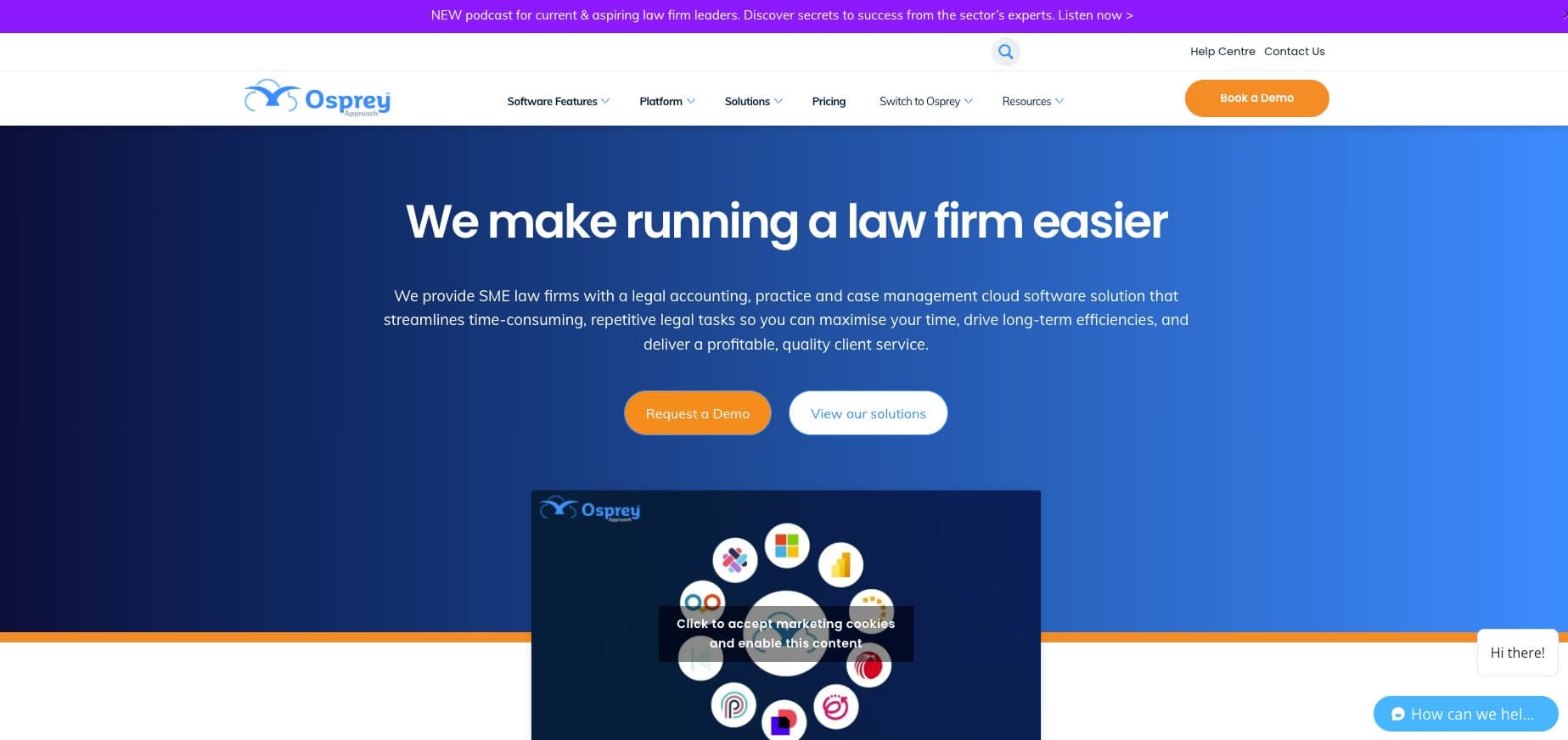
Osprey Approach is an all-in-one accounting, practice, and case management software for law firms. One of its best features is the publicly available pricing, along with its conveyancing workflows, which are customisable. Its InfoTrack integration covers searches, AML, ID and funds checks, AP1 and SDLT. DocuSign handles e-signatures while separately priced InMyNameKYC tool covers ID checks and client care letter signing.
Key features
- Customisable workflows
- Integrated legal accounting
- Client portal for case milestones and documents
- InfoTrack integrations for searches, AML, ID, and funds checks, AP1s, and SDLT
- Online enquiry forms and instant conveyancing quote calculators
Pros
- Published per-licence prices
- Integrations with InfoTrack, DocuSign, Microsoft 365, and Perfect Portal
- Accounts, practice, and case management in one system
Cons
- 36-month standard term with a minimum of three licences
- Licence prices rise 5% on each anniversary of go-live
- The client portal costs £10 per licence per month extra on Advanced, and InMyNameKYC is priced separately from £125 a month
Pricing
Advanced is priced at £110 and Premium at £140 per licence per month, exclusive of VAT. Enterprise price on application.
4. Hoowla
Best for: Conveyancing firms that prefer to pay per completed case with no lock-in.
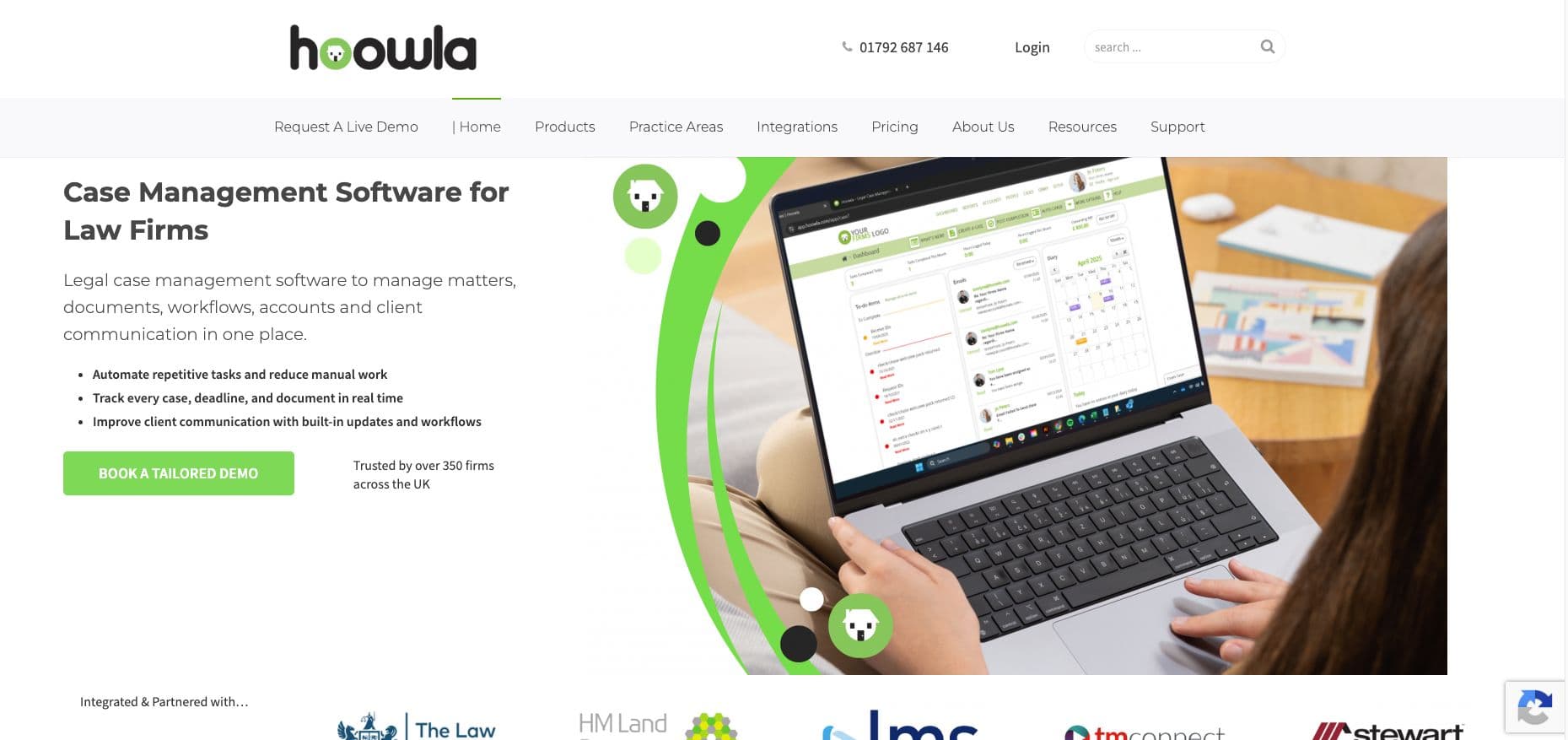
Hoowla is a cloud case management company for UK law firms. It offers conveyancing workflows covering client onboarding, AML checks, search ordering, SDLT submissions, Land Registry forms, eSignatures, and a client portal with completion packs. Full legal accounting features now sit in the same system inside Hoowla and support everything from client and office ledgers to completion statements.
Hoowla's named integrations include:
- HM Land Registry
- Stewart Title
- Law Society TA Forms
- LMS
- TM Connect
- Armalytix
- Confirmly
Hoowla states that it works with over 350 UK firms. Its quote calculator puts a fee scale on the firm’s website and collects leads 24/7.
Key features
- Conveyancing workflows with onboarding and AML checks
- Website quote calculator with free access for referrers
- eSignatures and client portal
- Integrated legal accounting and completion statements
- Search ordering, SDLT submissions, and Land Registry forms
Pros
- Published quote calculator prices from £175 a year exclusive of VAT
- No setup fees, no lock-ins, and a rolling contract
Cons
- Case management and the quote calculator are billed separately
Pricing
Quote calculator is priced from £175 to £315 a year, exclusive of VAT. Platform pricing is per completed conveyancing case. Pricing is not published, quote only.
5. Redbrick Solutions
Best for: Conveyancing firms that prefer case management built around a pay-per-transaction model.
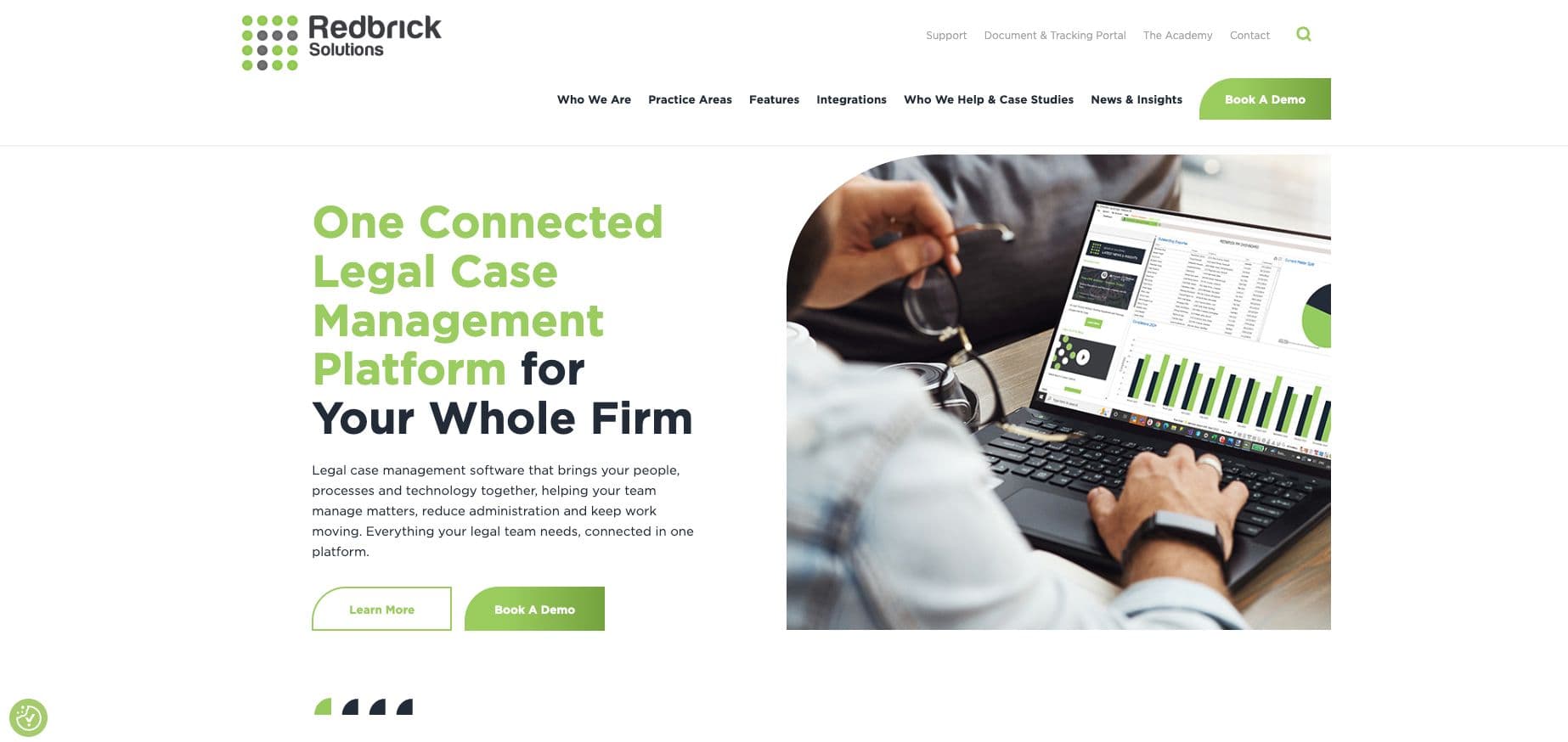
Redbrick Solutions is a case management software that has conveyancing at its core. It now extends its usefulness for the whole law firm with Legal AI and court bundling. It offers free support, maintenance, and other payment options too. Clients get 24/7 online case tracking.
Integrations cover a conveyancing quote tool, biometric AML, searches, source of funds, wealth, legal forms, legal accounting software, and HM Land Registry e-DRS with digital AP1s. It can be run on cloud or on premise.
Key features
- 24/7 online case tracking for clients
- Secure document portal with e-signatures
- Conveyancing case management run on cloud or through self-hosting
- Biometric AML and source of funds and wealth integrations
Pros
- Built around conveyancing
- Clients can track their case online at any hour
Cons
- No published prices
- Quoting and legal accounts come through integrations
Pricing
Pricing is not published.
6. Perfect Portal
Best for: Firms that want a branded quote calculator and onboarding app in front of their existing case management system.
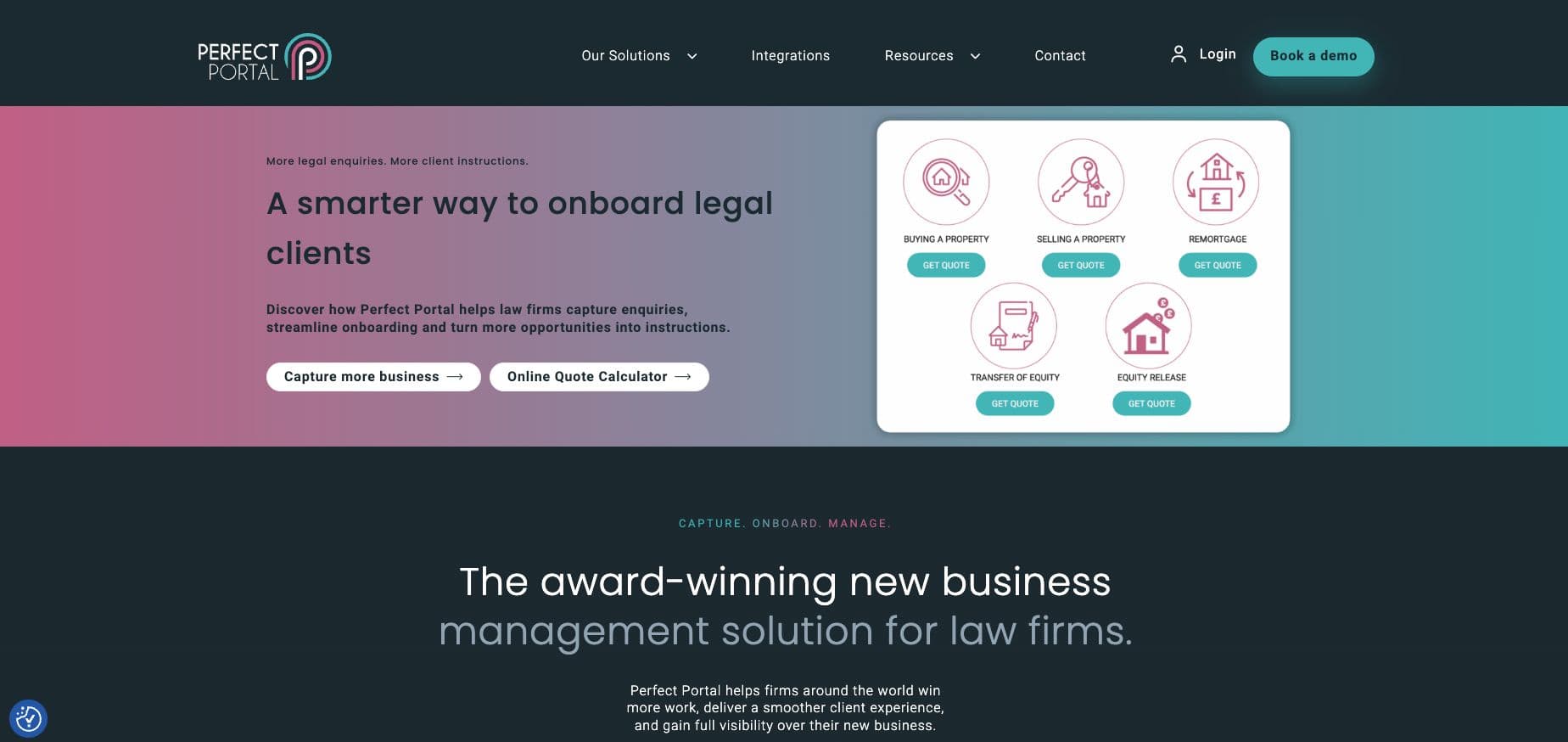
Perfect Portal is a new business and client onboarding platform built around three modules: capture, onboard, and manage. A quote calculator and intake forms on the firm’s website capture enquiries 24/7. A branded client app handles biometric and NFC ID verification, source of funds checks, digital payments, document signing, TA6, TA7, and TA10 forms, along with progress updates. The platform also sends automated email, SMS, and push reminders.
Key features
- Pipeline dashboards, campaign tracking, and 30+ reports
- Automated email, SMS, and push updates
- Digital payments, document signing, and TA6, TA7, and TA10 forms
- Branded client app with biometric and NFC ID checks with source of funds
Pros
- Captures website enquiries 24/7
- Hands instructed quotes to leading case management systems including LEAP, Osprey, and Redbrick Solutions
Cons
- No published prices
- It is not a case management software, so you still need one to run the matter
Pricing
Perfect Portal does not publicly list its pricing.
7. Lawsyst
Best for: Small firms that want a straightforward cloud case management system with built-in fee and SDLT calculator.
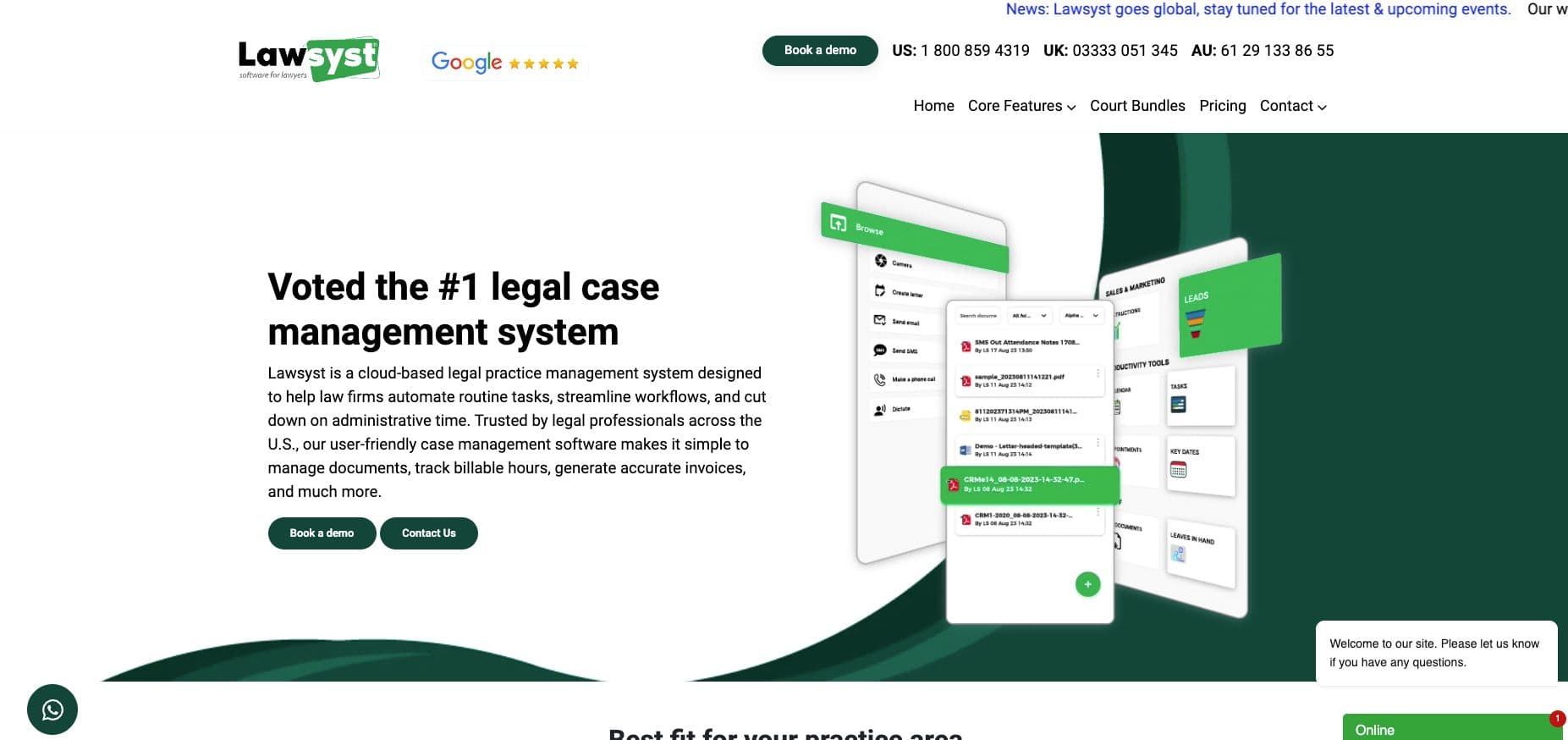
Lawsyst is a cloud case management platform that covers conveyancing from lead to payment. A legal CRM, quote creation, e-instructions, billing, and integrated accounting, all of it sits in one system. Its conveyancing calculator gives clients fees and taxes from the firm’s own charges. A separate calculator provides residential and commercial SDLT. Electronic signatures are a recent addition, and clients can share documents.
Key features
- Cloud case management with a legal CRM
- Time tracking, billing, and integrated accounting
- Electronic signatures and client document sharing
- Residential and commercial SDLT calculator
- Conveyancing fee calculator and e-instructions
Pros
- Quote, instruction, and billing tools in one system
- Integrated accounting alongside case management
Cons
- No published prices
Pricing
No published pricing is available from Lawsyst.
How to choose the right conveyancing software for your firm
The trick to finding the right conveyancing software is identifying where your firm loses time and instructions.
Where do you lose instructions today?
Count the quotes you sent last month against the instructions you won. If the gap is wide, the problem sits before the matter comes in. This is where George and James can be of help.
How fast does your conveyancing quote software reach the buyer?
A calculator produces a quote, but a buyer comparing four firms instructs the one that speaks to them first. George contacts every enquiry, with an average time to first contact of under 35 seconds by Juryo's reported figures.
How long does a signed client care letter and complete file take?
Every day between instruction and complete file is a day the matter cannot move. James gets the client care letter signed and Jessica chases the ID, proof of funds, and documents, until your firm has everything to start the matter.
Who answers progress calls after exchange?
Portals help with clients who log in. Juryo’s AI customer service for law firms answers the ones who phone or message, at any hour, with full context, and escalates anything urgent.
Will it work with your conveyancing case management?
Yes, you keep the system that runs your matters. Juryo integrates with Clio Manage and works alongside your case management system, CRM, and calendar. You can learn how to connect AI intake to your law firm CRM from our guide.
| What your firm needs | Why Juryo is a strong choice |
|---|---|
| Answer every quote request before a competitor | George contacts every enquiry the moment it comes in, 24/7 |
| Turn quotes into signed instructions | James presents the quote, handles objections, and gets the client care letter signed |
| Complete files without fee earners chasing | Jessica follows up with the client for ID, funds, and documents until the checklist is complete |
| Fewer progress calls reaching the team | Julia answers client questions at any hour and escalates what is urgent to fee earners |
| Keep the current case management system | Works alongside your case software, CRM, and calendar. Juryo goes live in under two weeks |
Conveyancing case management software vs Juryo
Before we get into this comparison, it is important to note that most firms run both. Juryo feeds signed clients and complete files into the case management system.
| Job in the transaction | Typical conveyancing case management software | Juryo |
|---|---|---|
| Answer a quote request the moment it arrives | Calculator or website intake form | ✅ George |
| Qualify the buyer or seller and book a call with a fee earner | Staff handle it | ✅ George |
| Present the quote and handle objections | Staff handle it | ✅ James |
| Send the client care letter and get it signed | ✅ (e-signature tools) | ✅ James |
| Chase ID, proof of funds, and property documents until the file is completed | ✅ (portal upload) | ✅ Jessica |
| Answer client “when is my completion” calls with full context | ✅ (case tracking portal) | ✅ Julia |
| Run the matter workflow, document, and legal accounts | ✅ | Connects to your case management system |
| Order searches and submit SDLT and AP1 | ✅ | Connects to your case management system |
Proof: What Juryo reports across its clients
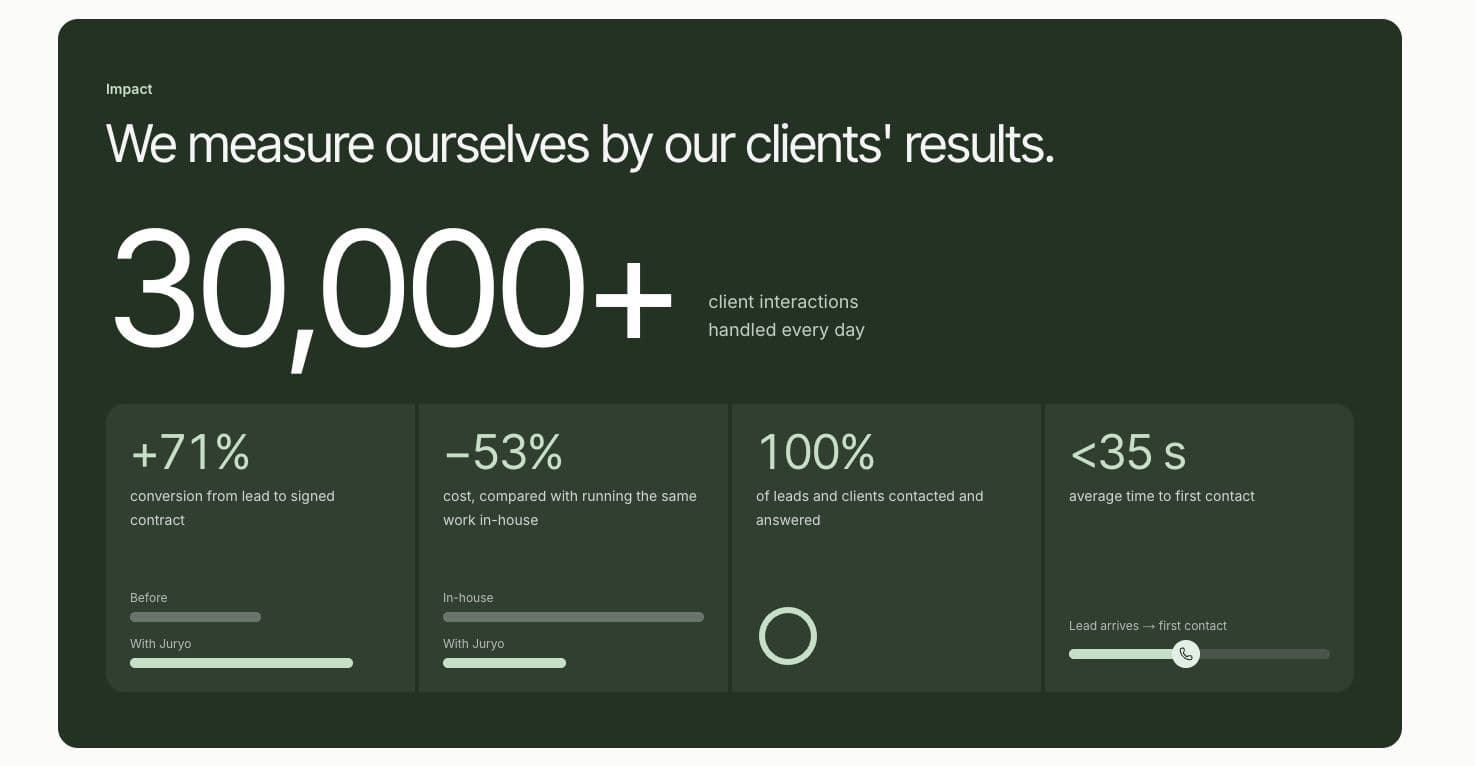
Juryo reports these results across its clients:
- 30,000+ client interactions handled every day
- +71% conversion from lead to signed contract
- 53% lower cost than running the same work in house
- 100% of leads and clients contacted and answered
- Under 35 seconds average time to first contact
Firms using Juryo include Distrito Legal, Campmany Abogados, Saldados and Bufete Robles.
Final verdict
Finding the best AI conveyancing software for law firms depends a lot on the goals of the law firm. If you want to win more quotes and book appointments with a fee earner, Juryo is the strongest option. Powered by its team of AI agents, Juryo reports +71% conversion from lead to signed contract, across its clients. George answers every enquiry, James gets the client care letter signed, Jessica completes the file and Julia handles progress calls. For the other tools on this list:
- If you want the strongest pay per completion option, Hoowla is your best bet
- If you want transparent pricing, Osprey Approach is your strongest option
- If you want InfoTrack built into your AI conveyancing software, LEAP is a strong choice
- If you want a tool that offers a pay-per-transaction model, choose Redbrick Solutions
- If you want a simple fee and SDLT calculator for a small practice, choose Lawsyst
- And lastly, if you want a branded quote and onboarding frontend, choose Perfect Portal
Book a demo with Juryo today to learn more about how you can utilise its team of agents to empower your law firm with AI.
FAQs
1. What is the best conveyancing software for a small firm?
For a small firm, the best conveyancing software is usually a pairing. A case management system that fits the budget runs the matter: Hoowla charges per completed case, and Lawsyst builds a fee calculator into its case management. Juryo then wins the instruction, with George answering quote requests and Julia handling progress calls.
2. What is a conveyancing case management system?
A conveyancing case management system runs the property matter: workflows, documents, searches, SDLT and AP1 submissions and, in some tools, legal accounts. It starts once the client instructs. Juryo works before that point, handing the firm a signed client and a complete file, then answers client progress questions through to completion.
3. Can software answer conveyancing quote requests out of hours?
Yes. George, Juryo's qualification agent, contacts every enquiry the moment it comes in, 24/7, by phone, WhatsApp, email or the website. It qualifies the enquiry against the firm's criteria and books a call in the fee earner's calendar, with under 35 seconds average time to first contact by Juryo's reported figures.
4. How do conveyancers reduce "when is my completion?" calls?
They answer the question before it reaches a fee earner. Julia, Juryo's customer support agent, answers existing clients' case questions at any hour with the full history of the matter, logs every conversation with notes for the team and escalates anything urgent. A portal helps clients who log in; Julia covers the ones who phone or message.
5. Does Juryo replace my conveyancing case management software?
No. Juryo works alongside your conveyancing case management software and integrates with Clio Manage. Its agents turn each conversation into a structured record in your case software or CRM, so the matter opens with a signed client and a complete file. Your existing system keeps running the matter, the searches and the submissions.
6. Is client data kept in the UK or EU?
Juryo stores client data in the EU and offers a Data Processing Agreement. Conversations are not used to train models. Retention is set to each firm's needs, from not storing data at all to keeping it indefinitely, and the default is to keep it.
7. How much does Juryo cost?
Pricing is based on successful conversion, so Juryo is paid when your firm signs clients. Book a demo to see James working your quotes.
Recommended reading
Intake and reception
5 Best AI Legal Intake Tools for Law Firms (2026)
How to automate law firm intake: a step-by-step guide
The 7 Best AI Receptionists and Virtual Receptionists for Law Firms (2026)
The 7 Best Legal Answering Services for Law Firms (2026)
This is the best bilingual legal answering service (English + Spanish) in 2026
How to Connect AI Intake to Your Law Firm CRM
Clio AI: The 5 Best AI Intake Agents That Integrate With Clio (2026)
Best WhatsApp AI Agent for Law Firms in 2026
Best AI appointment scheduling tool for law firms in 2026
Sales and lead follow up
The best AI sales representative for law firms (2026)
Lead Follow Up for Legal Intake: How to Re-Engage Enquiries That Go Quiet
Onboarding and client service
Best Client Onboarding Software for Law Firms
10 Best AI Customer Service Software Tools for Law Firms (2026)
Collections
Law Firm Collections: How to Recover Overdue Instalments Without Chasing Clients
Alternatives and comparisons
The 7 Best Clio Grow Alternatives for Law Firm Intake (2026)
The 7 Best Intaker Alternatives for Law Firm Intake (2026)
The 7 Best Lawmatics Alternatives for Law Firms (2026)
The 7 Best Lead Docket Alternatives for Law Firm Intake (2026)
The 7 Best Moneypenny Alternatives for Law Firms (2026)
The 7 Best Smith.ai Alternatives for Law Firms (2026)
Juryo vs Lexidesk: Which Legal Intake Agent Fits Your Firm (2026)
Juryo vs Ruby Receptionist vs Answering Legal: which is best for legal intake in 2026?
Legal AI guides
The 7 best AI tools for lawyers (2026, tested)
5 best AI legal assistant tools for law firms in 2026
How to Use Legal AI in Your Law Firm: A 2026 Guide
Legal Workflow Automation with AI: How Law Firms Actually Do It