7 Best Collections Software for Law Firms (2026)
November 17, 2026 · 28 min read
Collections software for law firms falls into two groups:
- Tools that take a payment when the client acts
- Tools that contact the client when they do not
Most collections software is built for invoices between companies. The invoices are submitted when the work is done or a predefined time period has passed. For law firms, the process is different. The law firm has to collect recurring and dynamic invoices from its clients while representing them.
Juryo publishes this comparison of the seven best collections software for law firms available today. The comparison highlights five things: whether the software can reach the client, whether it knows where the case stands, whether the client can pay inside the conversation, whether it can adjust tone to the situation, and pricing.
Collections software for law firms at a glance
| Tool | Best for | Can it contact the client? | Does it know the case’s legal stage? | Can it adjust tone to the situation? | Can it take payment in the conversation? | Pricing |
|---|---|---|---|---|---|---|
| John (Juryo) | Firms running client instalment plans that need every overdue client contacted in context | Yes. Supports web chat, calls, email, and WhatsApp | Yes | Yes. It can adapt based on the predefined rules the firm sets | Yes. Payment link can be sent during conversation | Based on successful conversion |
| GoCardless | Monthly fee instalments by direct debit | Yes, through email | No | No, uses standardised email templates | Collects by mandate; Success+ retries failures | From 1% + 20p per transaction, capped at £4 |
| Chaser | Firms chasing invoices from Xero, QuickBooks, or Sage | Yes, through email, SMS, and scripted text-to-speech calls | No | Templates written by the firm | Can send SMS and emails with embedded payment link | From £199/month for its Compact plan |
| Kolleno | Finance teams automating accounts receivable, including firms on Clio | Yes. Kolleno supports email contact with the Kolleno Customer Portal. The team can also call and text clients from Kolleno through Twilio | Not natively | Yes | Can send SMS and emails with embedded secure payment links. Also has a dedicated customer portal | Pricing starts at $650/month per user |
| Clio Payments | Firms already using Clio Manage | Clio Payments can send automated bill reminders through Clio Manage | Not natively. However, Clio Payments sits inside Clio Manage, which has access to case data | No | Payment plans and Autocharge on a stored card or bank account; supports Pay by Bank | Needs Clio Manage, which is priced starting at £79 per user a month |
| Xero | Small firms invoicing from Xero | Not directly. Automatic email reminders can be set up | No | No | Single-click online invoice payment with Pay Now button (Stripe, GoCardless) | From £18 a month |
| PAYCOMET | Firms that also take payments from clients in Spain | Not directly. However, PAYCOMET supports Pay by Link and Call POS | No | No | Offers Pay by Link and Call POS | €19 a month up to €2,000 of monthly billing |
To see John working on your own payment plans, Book a demo.
The 7 best collections software for law firms
The tools in this comparison fall into two groups: ones that can contact clients directly and ones that can collect when the client acts or a mandate or card is charged. Both these types of collections software for law firms are suited to the needs of different law firms.
1. Juryo (John)
Best for: B2C firms selling legal services on instalment plans that need every overdue client contacted in context.
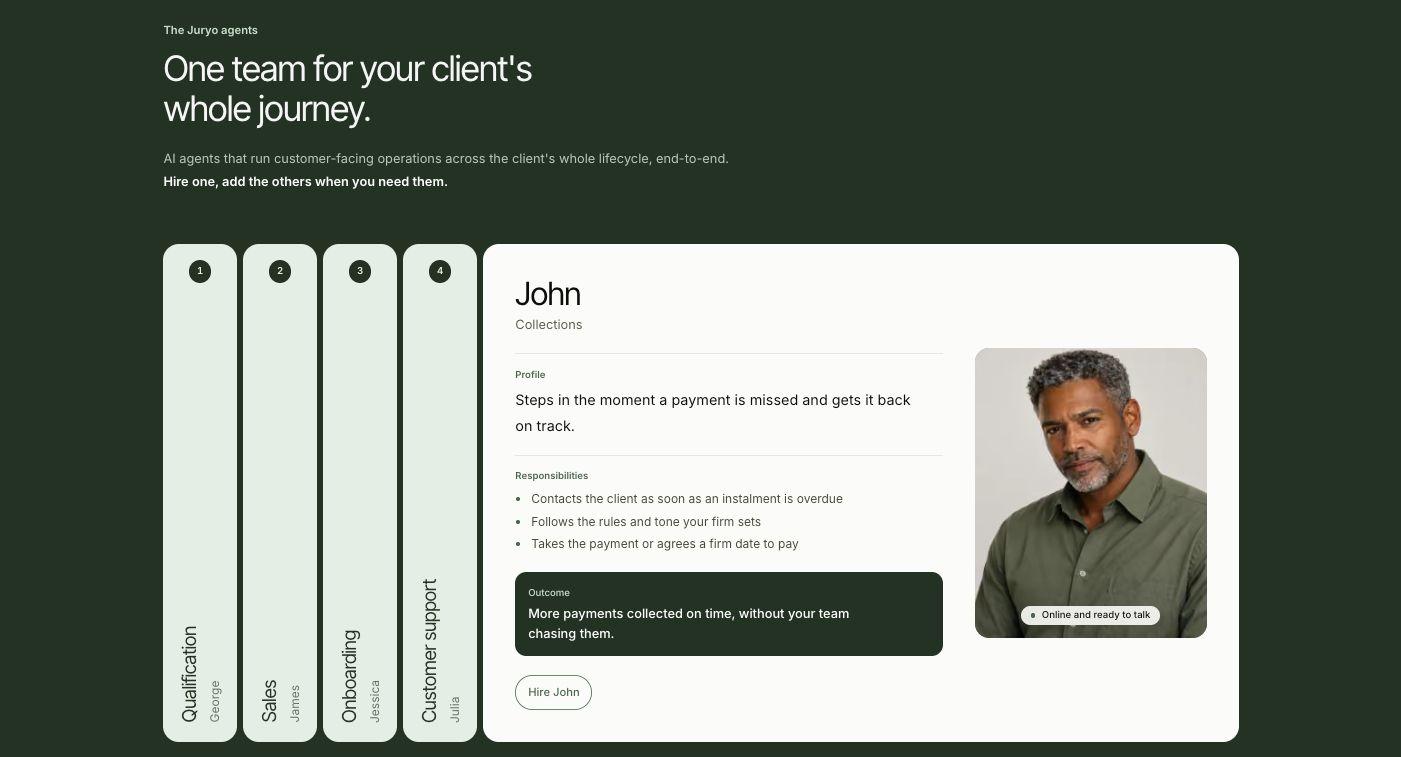
John, Juryo’s collections agent, contacts the client as soon as an instalment is overdue. It contacts clients by phone, WhatsApp, email, and web chat, in English and Spanish, 24/7. John follows the predefined rules and tone the firm sets. It also knows the client’s payment history and the stage of their matter before every contact.
John either collects the payment directly or agrees a firm date to pay with the client. Either way, the firm collects more payments on time without its team, and especially its fee earners, chasing invoices.
John is one of five Juryo agents. It works alongside:
- George for qualification
- James for sales
- Jessica for onboarding
- Julia for customer support
All five agents share one memory. Julia covers the AI customer service for law firms, answering the client’s questions about their case, so a client who rings about a hearing and then about a missed instalment stays in one conversation and never has to repeat themselves.
If your firm struggles with timely payments, you can get started with John alone and add the other Juryo AI agents later. To learn more about the wider process, see how to automate law firm collections.
Key features
- Outbound calls triggered by the firm’s rules
- Inbound calls that recognise the client by phone number
- Supports WhatsApp with a payment link, bank details, and proof of payment
- Email and web chat, so the client can reply on the channel they prefer
- Tone set by the firm’s predefined rules, from warm on a first missed instalment to direct on a long silence
- Payment history and legal stage loaded before every contact
- Every contact logged with an outcome and escalated to fee earners when required
- Integrates with Clio Manage and works alongside your case management system
Pros
- Case context in every call
- The client can pay during the conversation
- States openly that it is an AI, which suits a regulated firm
Cons
- Built for firms that collect fees in instalments
Pricing
Juryo’s pricing is based on successful conversion.
Book a demo to see John working on your own payment plans.
2. GoCardless
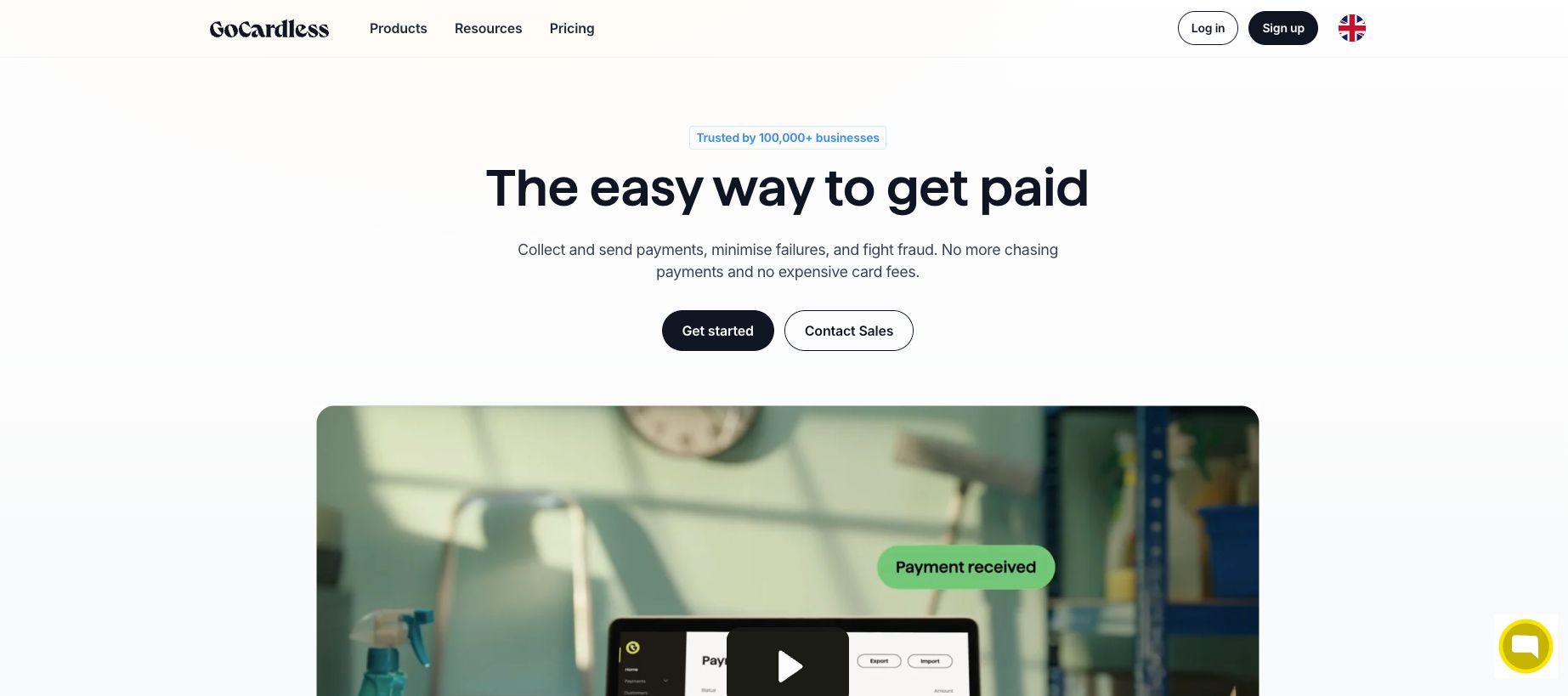
Best for: Firms that want monthly fee instalments collected by direct debit.
GoCardless collects one-off, recurring, and instalment payments by direct debit and Pay by Bank. Once a client has signed a mandate, each instalment leaves their account on the due date without anyone at the firm lifting a finger. The client hears from GoCardless by email. They offer standardised email templates. Success+ retries failed payments on the day most likely to succeed.
Key features
- Recurring and instalment collections by direct debit
- Payment emails to the client in standardised templates
- Pay by Bank
- Integrations with Xero, QuickBooks, and other accounting software
Pros
- Low per transaction cost
- Cost cap on every plan
- Failed payments are retried automatically
Cons
- GoCardless doesn’t have any view of the case, so emails it can send are just templates, which do not correlate to the client’s situation exactly
- A failed payment is retried and the client gets a standard email, but nobody talks to them about why the payment failed in the first place
What users say
GoCardless has a Trustpilot score of 2.2/5 with over 2,000 reviews. Users frequently complain about payment delays and unhelpful responses from customer support.
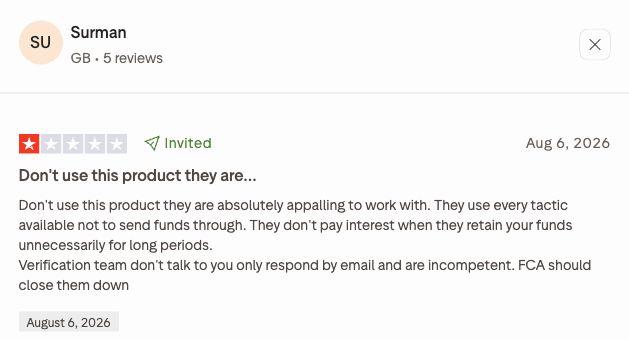
A UK user wrote: “Don't use this product they are absolutely appalling to work with.”
Pricing
GoCardless has three plans, Standard, Advanced, and Pro. The transaction-based pricing for each plan is mentioned below.
- Standard 1% + 20p capped at £4 per transaction
- Advanced 1.25% + 20p capped at £5 per transaction
- Pro 1.4% + 20p capped at £5.60 per transaction
Custom plans are also available for businesses with over £1 million annual revenue.
Note: The pricing mentioned is exclusive of VAT.
3. Chaser
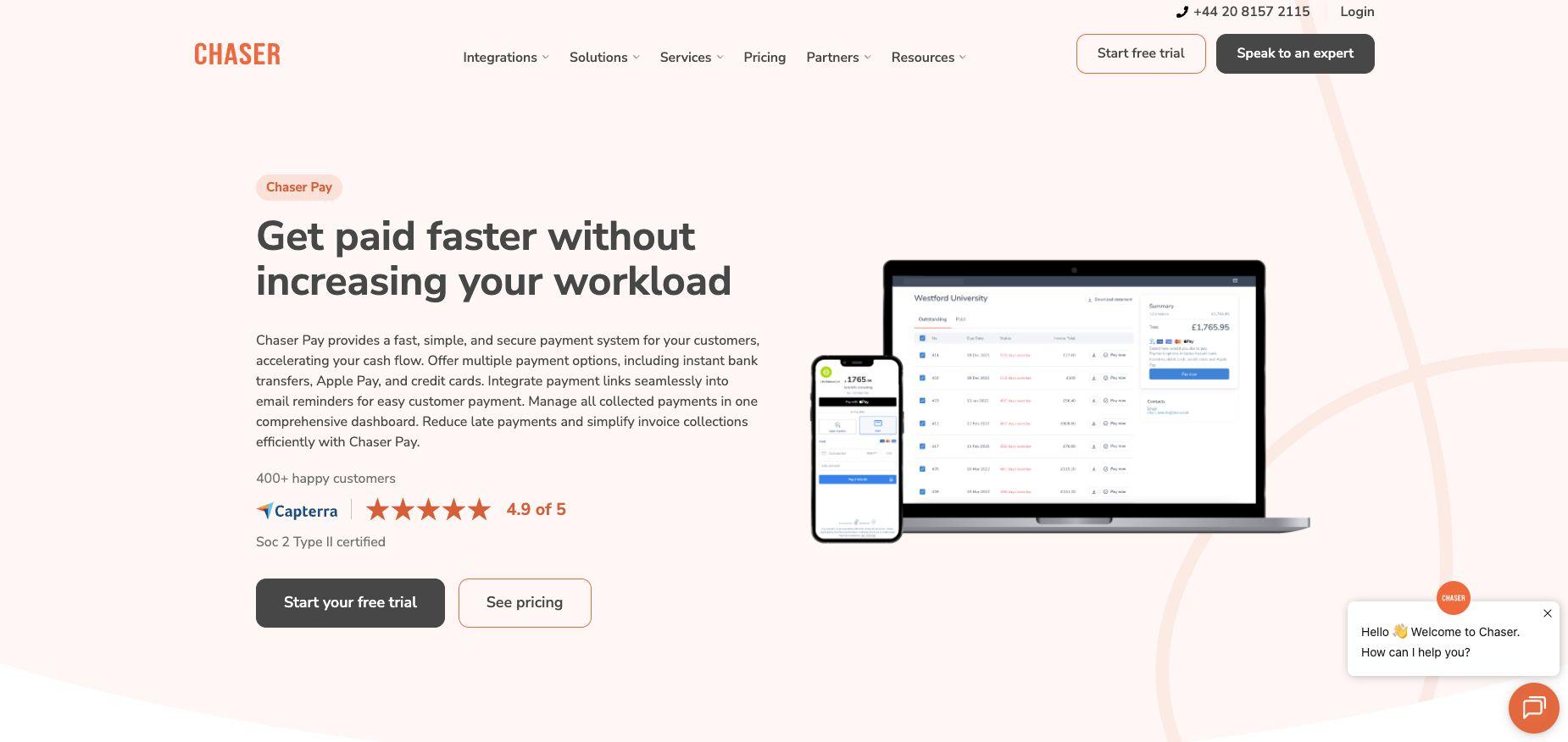
Best for: Firms that invoice using Xero, QuickBooks, or Sage and want reminders and payment plans to run from their accounting data.
Chaser is credit control software. It can send email and SMS reminders, place automated calls, embed payment links in its emails and SMS, offer Chaser Pay, and manage payment plans. Its automated calls use text-to-speech templates the firm writes. If you want a person on the phone, you must get Chaser Care, which provides a dedicated accounts receivable specialist to handle follow-ups, calls, and the inbox.
Key features
- Email and SMS payment reminders, with an AI email generator
- Scheduled text-to-speech reminder calls built from the firm’s templates
- Payment links in email and SMS, plus Chaser Pay
- Integrations with Xero, QuickBooks, Sage and other accounting systems
Pros
- Email, SMS, letters, and calls run from one schedule
- A human specialist is available through Chaser Care
- Deep integration with accounting packages
Cons
- The platform cannot identify the matter or its stage
What users say
Chaser has a 3.8/5 rating on Trustpilot with two reviews. Users generally laud Chaser’s capability in reducing DSO with users even pointing out that it helps them save up to “13 hours a week.”
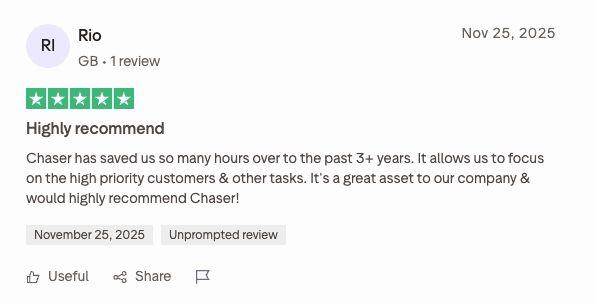
A UK user says: “Chaser has saved us so many hours over the past 3 years.”
Pricing
Chaser offers plan-based pricing with its four plans being compact, core, complete, and custom.
- Compact pricing starts at £199 a month with annual revenue under £4 million. This plan has a maximum user count of four users.
- Core pricing starts at £599 a month with coverage for companies with annual revenue of up to £10 million.
- Complete pricing starts at £899 a month with coverage for companies with annual revenue up to £100 million.
- The Custom plan has custom pricing with coverage for companies with annual revenue over £100 million.
Chaser offers a 10% discount on plan prices if you opt for annual billing.
4. Kolleno
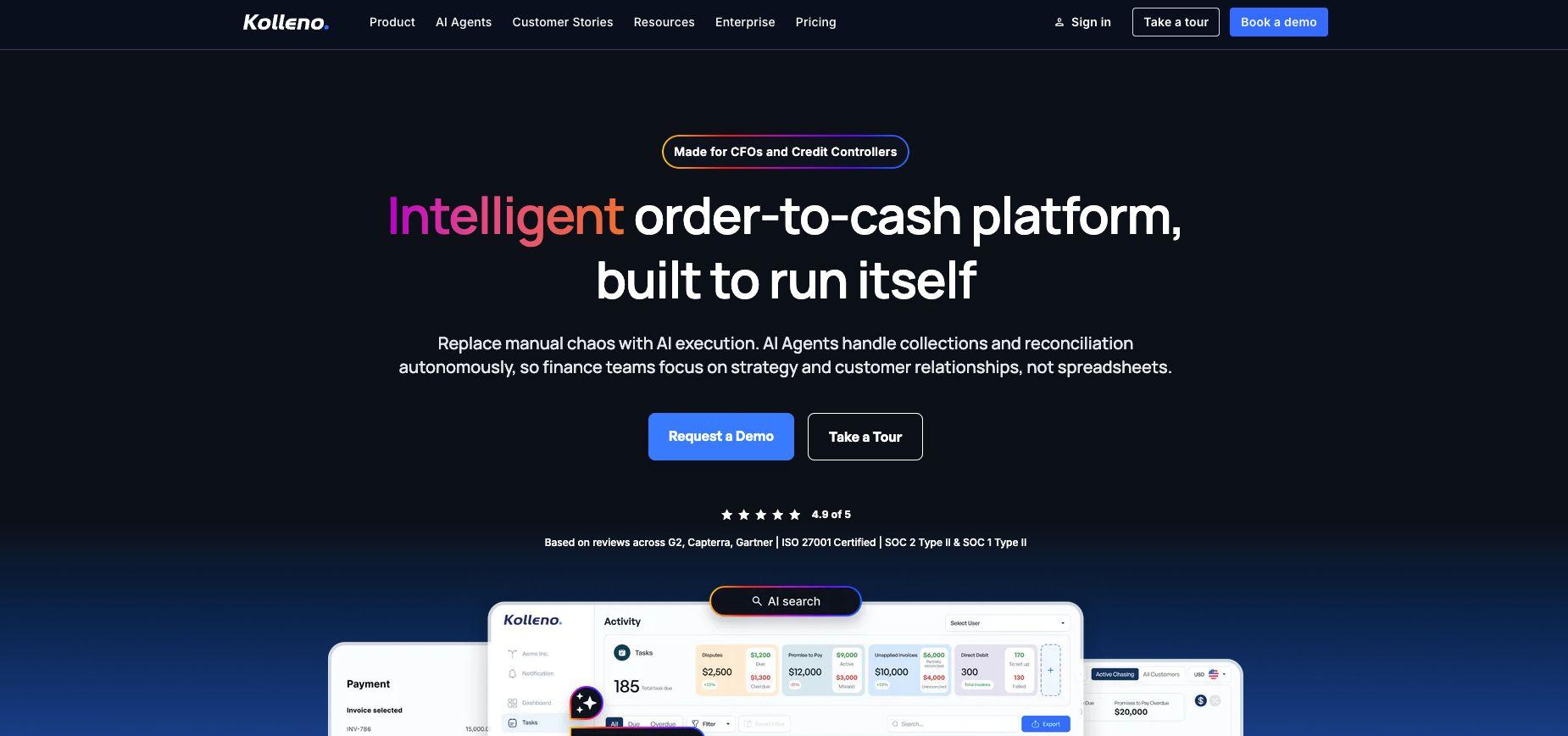
Best for: Finance teams that want accounts receivable automated end to end, especially firms whose billing runs in Clio.
Kolleno is an accounts receivable platform built for finance teams and credit controllers, and it is the most complete finance-side option in this list. It reaches clients by email and through the Kolleno Customer Portal. Secure payment links are embedded in email sent through Kolleno. The finance team can also call and text clients from inside Kolleno through its Twilio integration. Workflows and messages can be adjusted to the situation, and Business Plus adds the Clio integration and AI agent support, where AI agents chase invoices and reconcile payments to rules the team sets.
Key features
- Email contact and Kolleno Customer Portal
- Secure payment links in emails with multiple payment options
- Xero, QuickBooks, and Sage Intacct integrations
- Clio integration on Business Plus
- Collections inbox management
Pros
- Broad accounts receivable coverage in one platform
Cons
- Priced in US dollars per user, with AI agents and Clio integration on Business Plus only
- Kolleno does not natively know where the matter stands
What users say
Kolleno has a 3.7/5 Trustpilot score with just one review.
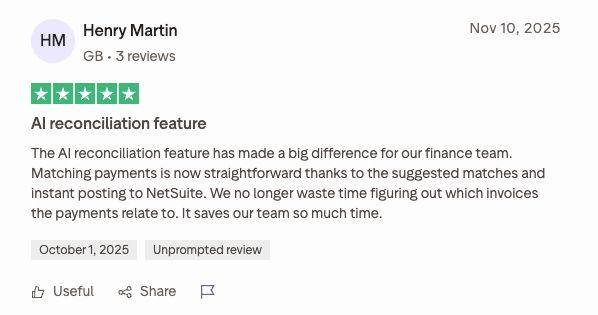
The one reviewer writes, “The AI reconciliation feature has made a big difference for our finance team.”
Pricing
Kolleno lists its pricing in US dollars. It has four plans: Business Pay, Business Plus, Enterprise Pay, and Enterprise Plus. Here are the pricing details:
- Business Pay pricing starts at $650/month per user. It supports companies with an annual turnover of under £1 million.
- Business Plus pricing starts at $1245/month per user. It supports companies with an annual turnover between £1 million and £100 million.
- Enterprise Pay and Enterprise Plus plans come with custom pricing, which you can only get by talking to the Kolleno sales team.
5. Clio Payments
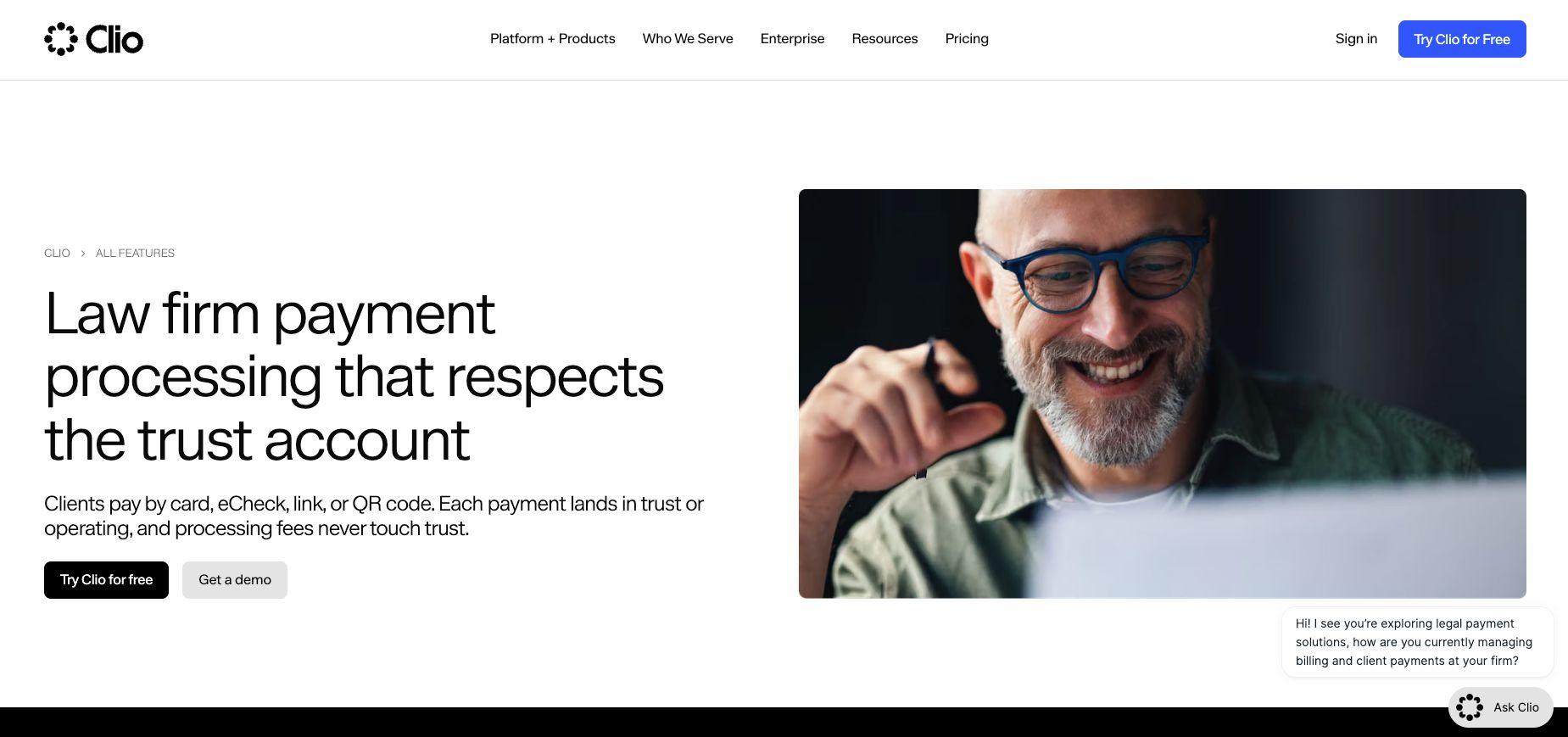
Best for: Firms already running Clio Manage that want instalments charged automatically.
Clio Payments is the payments layer inside Clio Manage, so the bill sits next to the matter. A firm sets up a payment plan or recurring payment, and Autocharge runs the stored card or bank account when a bill is approved, when it is due, on a set schedule, or a set time after it is issued. Clio Manage sends clients automated bill reminders, and Pay by Bank costs the firm nothing per transaction. Clio Payments does not natively track a matter’s legal stage, but because it sits inside Clio Manage, the case data is in the same system. Firms that also use Clio for intake can read about AI intake agents that integrate with Clio.
Key features
- Payment plans and recurring payments
- Card, Apple Pay, Google Pay, and Pay by Bank
- Automated bill reminders
Pros
- The bill lives next to the matter
- Pay by Bank at 0% per transaction
Cons
- It requires Clio Manage
- Bill reminders are standard, with no change of tone for the client’s situation
What users say
Clio Payments is a part of Clio Manage and overall Clio Suite of apps. Clio holds a Trustpilot score of 3.6/5 with 299 reviews. Users generally have positive reviews of Clio with some users complaining about poor customer service.
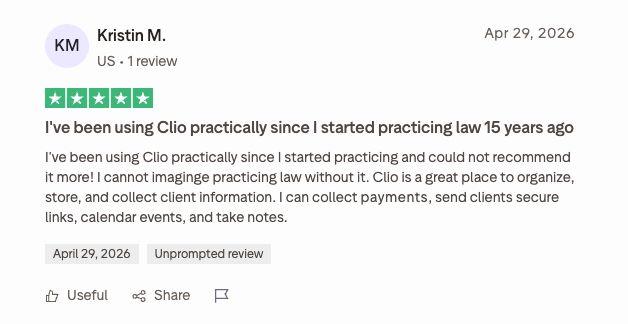
A US user says, “I can collect payments, send clients secure links, calendar events, and take notes” with Clio.
Pricing
Clio Payments require a Clio Manage subscription to function. The Clio Manage subscription starts at £79 per user a month.
6. Xero
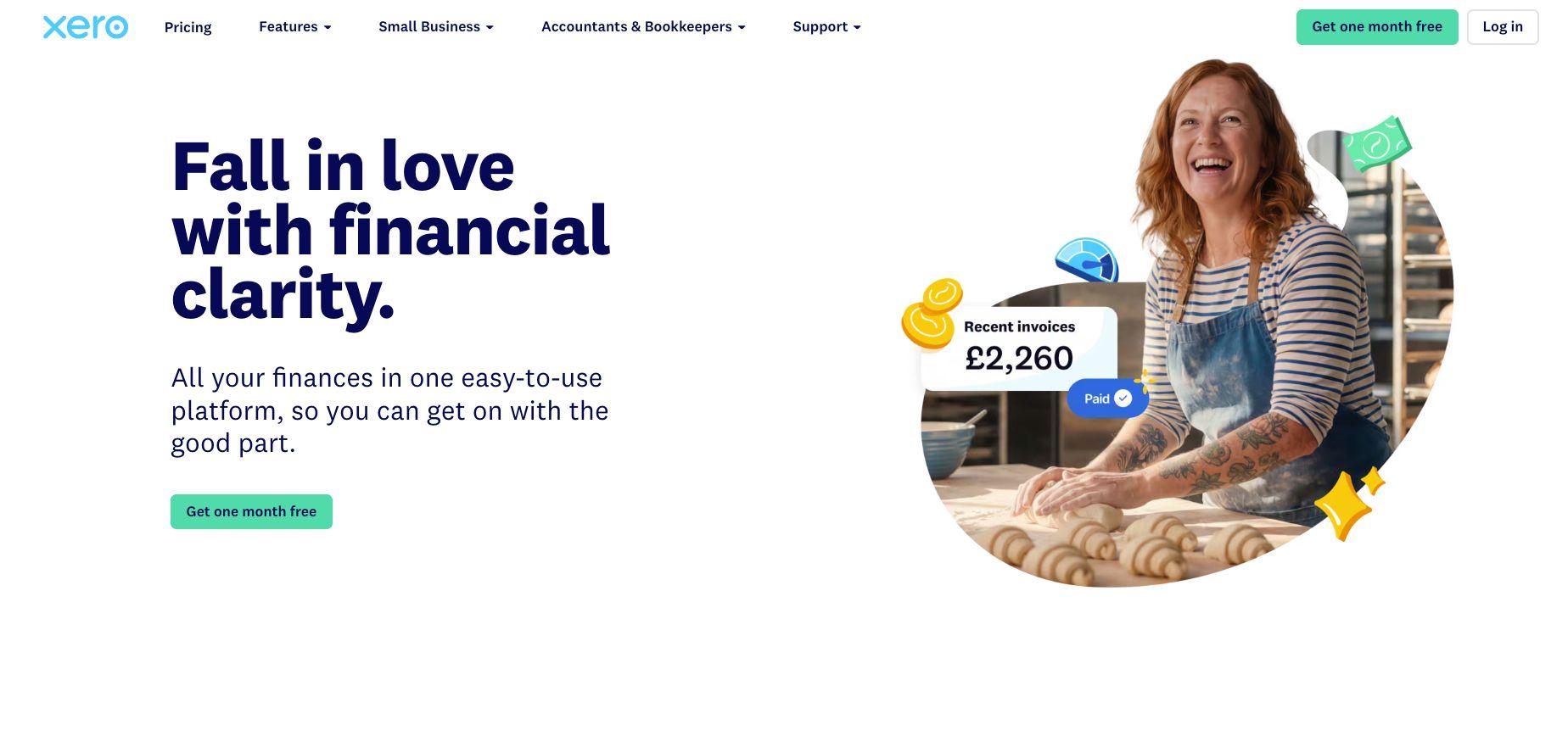
Best for: Small firms that already invoice using Xero and need basic reminders.
Xero is accounting software that flags overdue invoices as soon as they pass the due date. It can email polite reminders automatically for overdue invoices. A single-click Pay Now button on the online invoice takes card or Direct Debit through Stripe or GoCardless. If your clients already pay on time, Xero may be all that you’d need in terms of collections software.
Key features
- Automatic reminders for upcoming and overdue invoices
- Payments reconciled inside the accounts
- Direct Debit on each due date through GoCardless
Pros
- Already in place at many small firms
- Low monthly cost
Cons
- Reminders go by email in a fixed tone, so nobody speaks to the client
- It has no client or case context beyond the invoice
What users say
Xero has a 4.1/5 Trustpilot score with over 11,525 reviews. Users often praise the dedicated staff of Xero who help users with onboarding and quickly resolving account login issues.
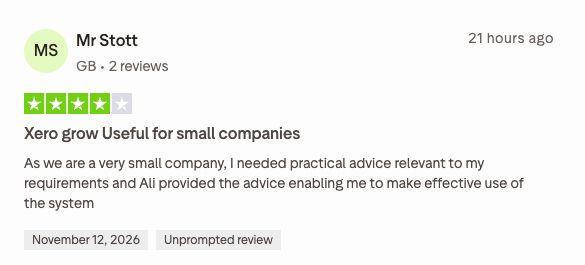
A UK user writes, “I needed practical advice relevant to my requirements and Ali provided the advice enabling me to make effective use of the system.”
Pricing
Xero has four plans Ignite, Grow, Comprehensive, and Ultimate with starting prices listed for all plans. The prices are:
- Ignite is priced at £18/month
- Grow is priced at £39/month
- Comprehensive is priced at £55/month
- Ultimate is priced at £70/month
The prices mentioned are exclusive of VAT.
7. PAYCOMET
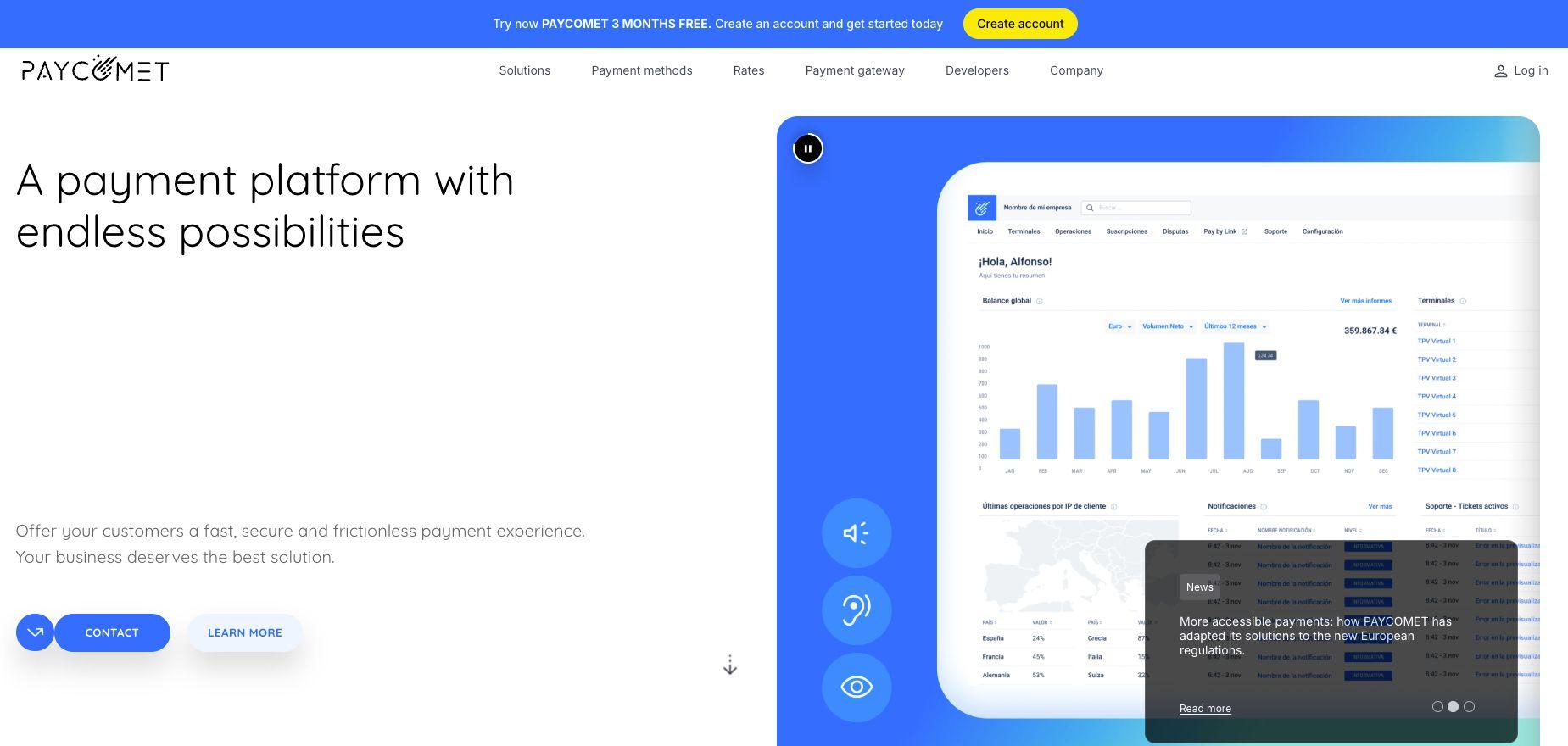
Best for: Firms that want to accept payments from clients in Spain and want Bizum, payment links, and phone card payments in one gateway.
PAYCOMET is a Spanish payment gateway, which makes it the natural pick for firms collecting from clients in Spain. PAY by Link creates a payment link that can be manually sent by email, SMS, or any channel. Call POS takes a card payment by phone or sends a link, and subscriptions cover monthly instalments. Bizum, Apple Pay, PayPal, and the main card schemes sit in the same gateway.
Key features
- Card tokenisation and fraud control
- PAY by Link
- Call POS
- Bizum, Apple Pay, PayPal, and card payments
- Subscriptions and recurring payments
Pros
- A flat monthly fee at low volumes
- Bizum and the other methods clients in Spain use
Cons
- It processes the payment but does not contact the client to ask for it
- It is a general gateway with no legal-specific features
What users say
PAYCOMET holds a Trustpilot score of 1.8/5 with 14 reviews. Users have complained about difficult customer service experience in their reviews.
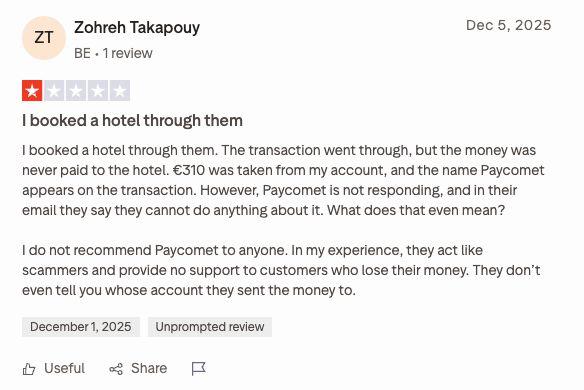
A user in Belgium writes, “I booked a hotel through them. The transaction went through, but the money was never paid to the hotel.”
Pricing
PAYCOMET offers a standard plan (PAYCOMET rate) and a custom plan that offers personalised quote-based pricing. The standard plan is priced at €19 a month for up to €2,000 of monthly billing; above that 0.50% + €0.09 on Spanish cards and 0.60% + €0.09 on EEA cards.
What collections software costs
Collections software is generally priced in three ways: per transaction, monthly subscription, or successful conversion. Here is how the seven tools compare on pricing structure.
| Pricing model | Who uses it | Cost breakdown |
|---|---|---|
| Per transaction | GoCardless, PAYCOMET, Clio Payments | GoCardless charges from 1% + 20p per payment, capped at £4 on its Standard plan. PAYCOMET charges €19 a month for up to €2,000 of monthly billing, above that 0.50% + €0.09 on Spanish cards and 0.60% + €0.09 on EEA cards; custom rate for high volumes. Clio Payments' Pay by Bank costs 0% inside Clio Manage. |
| Subscription | Chaser, Kolleno, Xero | Chaser’s pricing starts from £199 a month on its Compact plan. Kolleno’s pricing starts from $650 per user a month. Xero runs from £18 to £70 a month. |
| Based on successful conversion | Juryo | Juryo’s pricing is based on successful conversion, so Juryo wins when the firm collects. |
Collections software vs debt collection software: Why a law firm’s collections are different
A firm chasing an instalment is asking a current client to keep paying for a service it is still delivering. Debt collection software is built for the opposite situation: an invoice between companies, or a debtor the creditor has stopped serving.
In a debt relief practice, every client came to the firm because they could not pay their debts. A script written for a lender's portfolio reads as hostile to that person, and the firm still needs them next month: to sign documents, attend hearings and keep paying. In a Spanish segunda oportunidad case, for example, that runs all the way to the EPI (the discharge of remaining debts).
Context changes the right message. A client whose demanda (claim) has just been filed needs a different conversation from one at últimas cuotas (final instalments), and invoice data cannot tell them apart.
Transparency matters for a regulated firm. John says it is an AI at the start of the call, so the client always knows who they are speaking to.
| Job | Typical collections software | Juryo (John) |
|---|---|---|
| Sends a reminder when a payment is late | ✔️ | ✔️ |
| Holds a two-way conversation by phone or WhatsApp | ✔️ | |
| Knows the stage of the client’s matter | ✔️ | |
| Takes the payment or agrees a firm date in the same call | ✔️ | |
| Shares memory with the agent answering case questions | ✔️ | |
| Works in English and Spanish 24/7 | ✔️ |
Payment tools collect well when the client is able and willing to pay. Everyone else needs a contact tool, and in a law firm that tool has to know the case.
How John works
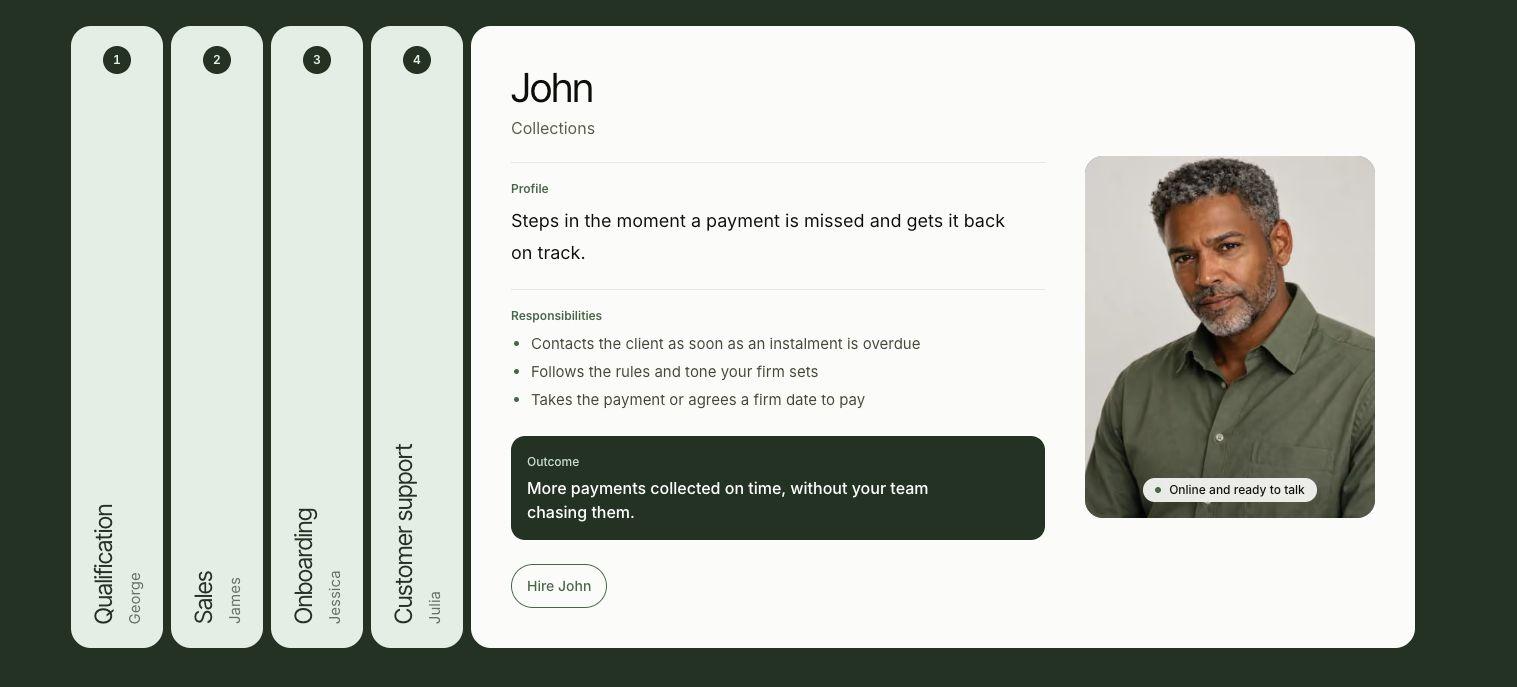
John contacts each overdue client on the rules the firm sets, with the client’s payment history and stage of their matter in view, and ends every contact with a logged outcome.
When John contacts a client
John steps in as soon as an instalment is overdue. The communication is established when there has been no contact for a few days and no payment commitment is active. John cycles call times across the day so the client is reached when they can talk.
Inbound calls are always on. A client who rings back is recognised by their phone number and John picks up where the last contact left off.
What John knows before a call
- Payment history: Amount contracted and paid, monthly amount, instalment paid and overdue, last payment, and agreed payment date
- Legal stage: John knows about the legal status of the matter at the time of contact with the client. In a Spanish debt relief practice, for example, that means pre-demanda (before the claim is filed), demanda presentada (claim filed), concurso de acreedores (insolvency proceedings), liquidación (liquidation), EPI (discharge of remaining debts) or últimas cuotas (final instalments).
- Contact history: John has knowledge of a client’s contact history with every Juryo agent, even including what the client last asked Julia about their case
How the tone changes
The firm sets the tone. A typical setup is warm and collaborative on a first missed instalment, firm but empathetic on a repeat miss, and direct on a long silence or a high amount owed.
Each call follows the same flow: greeting and identity check, case context, the client’s current situation, a payment proposal, then agreement or escalation.
The outcomes
- Payment now: John sends the payment link by WhatsApp during the call, so the client pays before hanging up. You can learn more about this in our guide to WhatsApp AI agents for law firms.
- A firm payment date
- A scheduled callback
- Escalation to the firm’s team
Every contact is logged with its outcome in plain words, such as:
- No answer
- Spoke without a commitment
- Payment promised
- Refused
- Escalated.
Proof: What one practice’s numbers look like
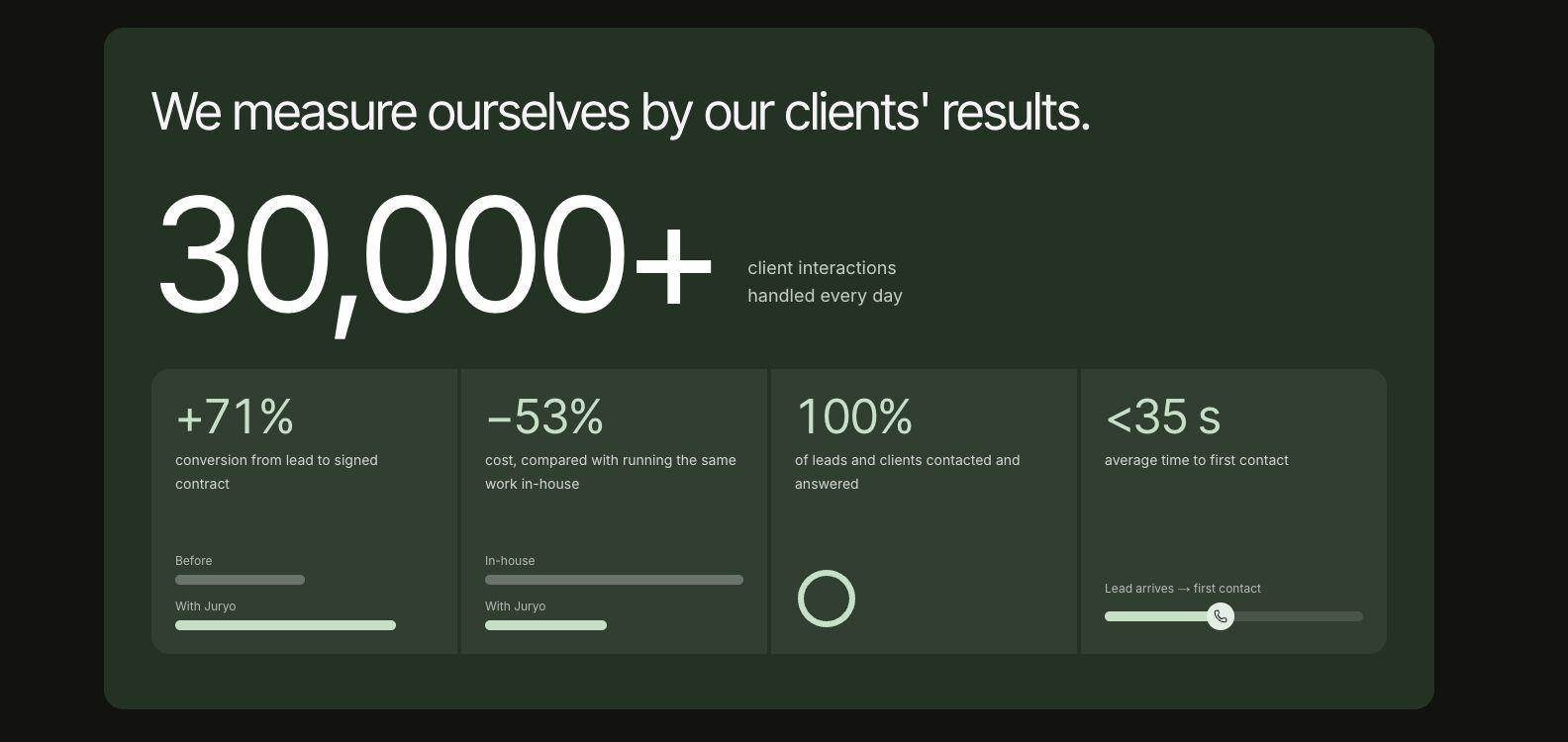
A Spanish debt relief practice running client instalment plans has these figures with John:
| Measure | Figure |
|---|---|
| Active payment plans | 185 |
| Clients with overdue payments | 118 |
| Instalments past due | 1,082 |
| Instalments recovered | 108 |
| Amount recovered | €11,099.99 |
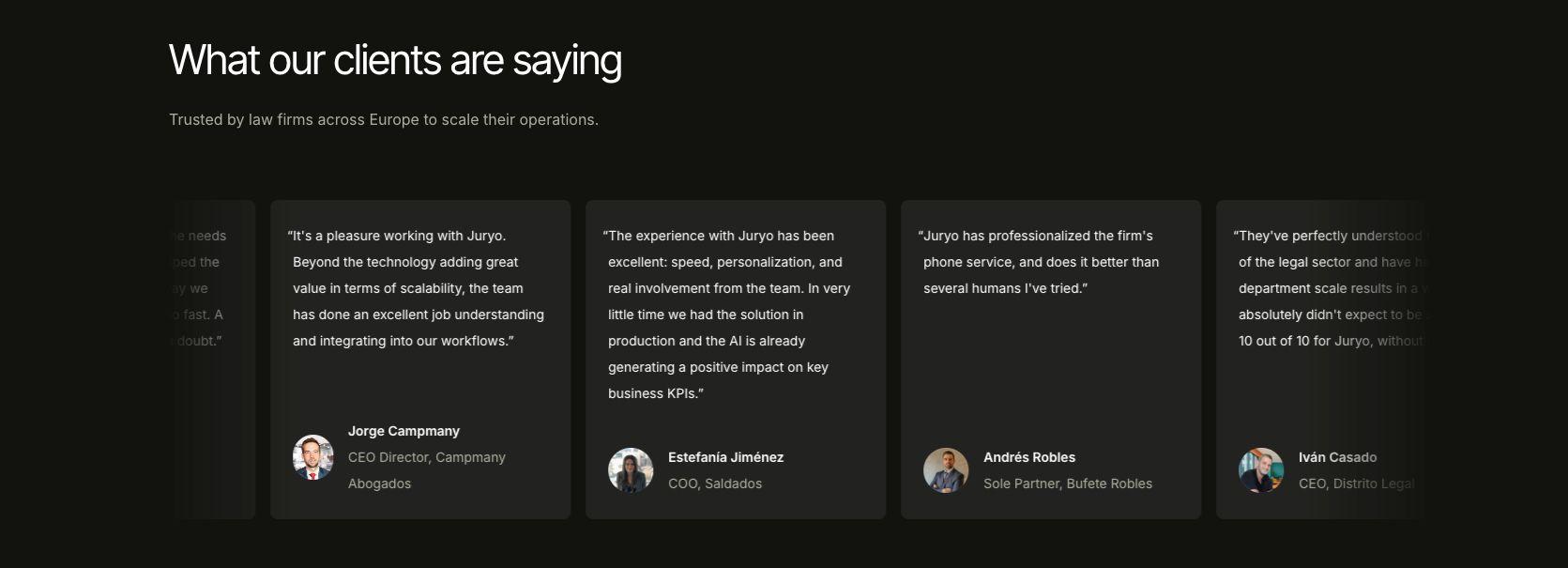
Across its clients, Juryo reports 100% of leads and clients contacted and answered.
Legálitas, Sello Legal Abogados, Devuélveme Mi Dinero, and Campmany are among the firms that use Juryo.
How to choose collections software for your firm
Start by deciding whether your problem is collecting from clients who intend to pay or reaching clients who have stopped paying. Payment tools solve the first problem and a contact tool solves the second. These questions will help you choose collections software for your firm.
Does it reach the client or wait for them?
Direct debits and payment links wait for the client to act, and clients in financial difficulty often do not. John, on the other hand, reaches the client. It calls and writes to the client as per the firm’s rules as soon as an instalment is overdue.
Does it know where the case stands?
This is a major differentiator between payment tools and contact tools. In fact, many contact tools also don’t have access to matter details or status, natively. John knows the matter’s stage and client’s history across every Juryo agent before it calls. Invoice-based tools see an amount and a date, which is enough for a business invoice and too little for a client in the middle of a matter in court.
Can the client pay while they are on the line?
Yes, with John. It sends a payment link on WhatsApp during the call or agrees on a firm date to pay and logs it.
Does it speak your client’s language at their hours?
John can speak in English and Spanish, 24/7, by phone, WhatsApp, email, and web chat. So, John can reach a client at any hour they are available.
Does the price follow results?
Yes, with Juryo. Its pricing is based on successful conversion, so the firm pays when it collects.
If those are the priorities for your firm, Juryo is the strongest option to consider. Book a demo today to learn more.
| What your firm needs | Why Juryo is a strong choice |
|---|---|
| Every overdue client contacted on time | John contacts the client as soon as an instalment is overdue |
| A conversation that fits the client’s situation | Tone follows the rules the firm sets, with the full payment history in view |
| Awareness of where the case stands | The matter’s stage is known before every contact |
| One relationship across tools | John shares one memory with Julia and the other Juryo agents |
| Payment while the client is on the line | Payment link by WhatsApp during the call, or a firm date to pay |
| Clients who speak Spanish | English and Spanish |
| Honesty and careful data handling | States that it is an AI; data stored in the EU, DPA available, conversations not used to train models |
| Low risk | Pricing based on successful conversion, live in under two weeks |
Payment reminders vs a collections conversation: Where collections starts
A reminder tool sends a message and waits. Collections start when someone talks to the client about the missed instalment and agrees what happens next.
What a reminder tool or answering service does
- Sends an email, an SMS or a recorded call on a schedule
- Takes a message when the client rings back and hands it to the firm, as a legal answering service would
- Leaves the firm's team to have the actual conversation about the missed instalment
What Juryo's agents do instead
- John holds the conversation, knows the case, and takes the payment or agrees a firm date
- Julia answers the client's questions about their case, from the same shared memory
- Anything beyond their remit is escalated to the firm's people, with the contact logged
Choose between payment aggregation or conversation for your law firm
If you have clients who are willing to pay and merely need a reminder, your job can be fulfilled by payment aggregators like GoCardless or PAYCOMET. If you already use Clio Manage, you should opt for Clio Payments as it already comes bundled with your subscription.
For invoice-led finance teams, Chaser, Kolleno, or Xero can offer the link-based payment support you need to complete your collections. Lastly, if your clients are on instalment plans who need a conversation, John is your best choice.
As a law firm, it is possible to run both systems. You can have a direct debit or payment link that takes the monthly charge and John contacts the clients whose payment fails or who stop paying.
If you want to learn more about how John can reach your clients and help you successfully achieve collections, Book a demo.
FAQs
What is the best collections software for a law firm with client instalment plans?
For firms whose clients need to be contacted in context, John, Juryo's collections agent, is the best option. It calls and messages overdue clients with their payment history and case stage in view. For automatic charging only, GoCardless or Clio Payments suit UK firms, and PAYCOMET suits firms collecting from clients in Spain.
Is collections software the same as debt collection software?
No, debt collection software chases debtors a business no longer serves, often on a lender's script. A law firm is asking a current client to keep paying for work it is still doing, so context, tone and transparency decide the outcome, and the firm needs the relationship intact afterwards.
When does John contact a client?
As soon as an instalment is overdue, following the rules and tone the firm sets. A typical setup waits until there has been no contact for a few days and no payment commitment is active. John then varies call times so the client is reached when they can talk.
Does John tell clients it is an AI?
Yes, openly, at the start of the conversation. For a regulated firm this is a feature: the client always knows who they are speaking to, every contact is logged with its outcome, and anything beyond John's remit is escalated to the firm's fee earners.
Can a client pay during the call?
Yes. John sends a payment link by WhatsApp while the client is still on the line, so the payment is made before they hang up. If the client cannot pay that day, John agrees a firm date to pay and logs it for your team.
Can John work alongside GoCardless, PAYCOMET or Clio?
Yes, the direct debit or payment link offered by GoCardless, PAYCOMET, or Clio can take the monthly charge. John can contact the clients whose payment fails or who stop paying. Juryo integrates with Clio Manage and works alongside your case management system, so every contact is recorded where your team already works.
How much does Juryo cost?
Juryo's pricing is based on successful conversion. Book a demo to learn more about Juryo’s cost and deployment timeline.
Recommended reading
Intake and reception
5 Best AI Legal Intake Tools for Law Firms (2026)
How to automate law firm intake: a step-by-step guide
The 7 Best AI Receptionists and Virtual Receptionists for Law Firms (2026)
The 7 Best Legal Answering Services for Law Firms (2026)
This is the best bilingual legal answering service (English + Spanish) in 2026
How to Connect AI Intake to Your Law Firm CRM
Clio AI: The 5 Best AI Intake Agents That Integrate With Clio (2026)
Best WhatsApp AI Agent for Law Firms in 2026
Best AI appointment scheduling tool for law firms in 2026
Sales and lead follow up
The best AI sales representative for law firms (2026)
Lead Follow Up for Legal Intake: How to Re-Engage Enquiries That Go Quiet
Onboarding and client service
Best Client Onboarding Software for Law Firms
10 Best AI Customer Service Software Tools for Law Firms (2026)
Collections
Law Firm Collections: How to Recover Overdue Instalments Without Chasing Clients
Alternatives and comparisons
The 7 Best Clio Grow Alternatives for Law Firm Intake (2026)
The 7 Best Intaker Alternatives for Law Firm Intake (2026)
The 7 Best Lawmatics Alternatives for Law Firms (2026)
The 7 Best Lead Docket Alternatives for Law Firm Intake (2026)
The 7 Best Moneypenny Alternatives for Law Firms (2026)
The 7 Best Smith.ai Alternatives for Law Firms (2026)
Juryo vs Lexidesk: Which Legal Intake Agent Fits Your Firm (2026)
Juryo vs Ruby Receptionist vs Answering Legal: which is best for legal intake in 2026?
Legal AI guides
The 7 best AI tools for lawyers (2026, tested)
5 best AI legal assistant tools for law firms in 2026
How to Use Legal AI in Your Law Firm: A 2026 Guide
Legal Workflow Automation with AI: How Law Firms Actually Do It